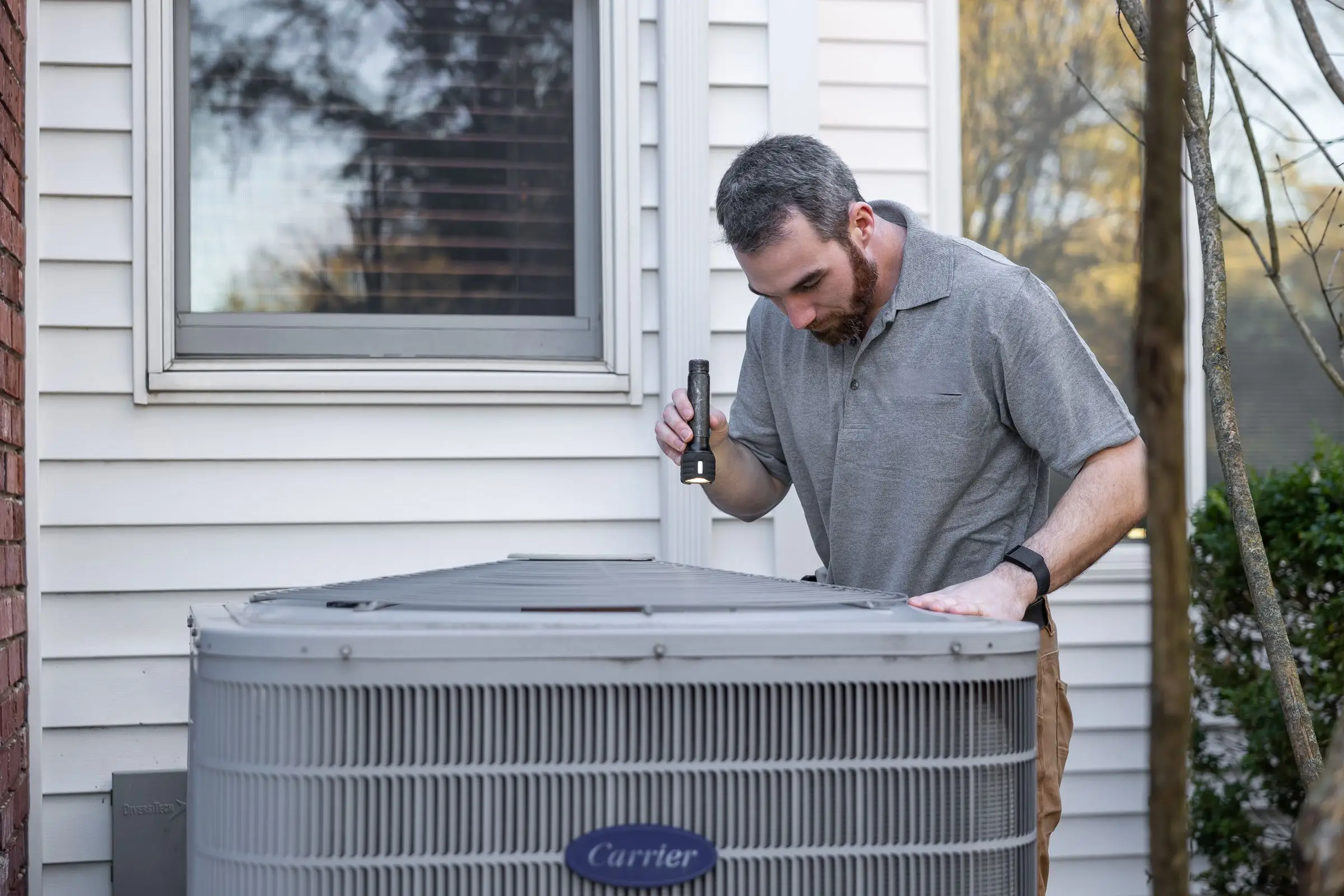
What makes HVAC software different
HVAC is a seasonal trade that lives on recurring revenue, and generic job software handles neither very well. A lawn app can schedule a weekly visit. An HVAC shop needs a maintenance agreement that sells for a yearly or monthly fee, creates the spring and fall visits automatically, discounts repairs for members, and flags the agreement before it lapses. Without that, someone in the office runs agreements from a spreadsheet and they expire without anyone noticing.
The pricebook is the second difference. Residential HVAC repair is mostly sold flat-rate, and techs present options on a tablet at the kitchen table. Software that only knows hourly labor plus parts forces the tech to build a price in the driveway, and every tech builds it differently. Before you buy, look at how the pricebook is organized, how fast a tech can find a dual run capacitor, and whether member pricing shows up without anyone touching it.
Then there's the summer. When the first hot week hits, the phones fill up with no-cool calls, and dispatch has to sort members who were promised priority from new customers who found you on Google ten minutes ago. Equipment history matters on every one of those calls. A tech who can see the unit is 15 years old, runs on R-22 and has had three repair visits walks in ready for a replacement conversation, and a financing option on the quote makes that conversation easier to close.
Finally, HVAC has a long tail of small things that matter: refrigerant tracking for EPA records, warranty registration reminders after an install, permit notes on change-outs, and photo documentation of the old equipment. None of these are exotic, but a tool that has no place to put them means paper notes in the truck.
How to choose by shop size
One tech, owner in the truck
You need fast quotes, invoicing from your phone, card payments and a way to remember who's due for a tune-up. Jobber Core at $29/mo billed annually or Housecall Pro Basic at $59/mo billed annually will do it. At this size you can run agreements as recurring jobs with a renewal reminder and leave full membership tools for later. Avoid anything with an implementation fee or an annual contract you don't understand. You don't have the office time to configure a big system, and you'll pay for features nobody uses.
Two to five techs
This is where agreements and a real pricebook start paying for themselves, and where the office manager becomes the main user of the software. Housecall Pro MAX at $299/mo billed annually covers up to 8 users and includes recurring service plans. Jobber Grow for 5 users is $229/mo billed annually. FieldEdge's Premier plan includes 4 mobile licenses on a quote. Count office users in your total: a shop with four techs, an owner and an office manager has six users, not four.
Six to fifteen-plus techs
Now you probably have a dispatcher, maybe a CSR or two, and possibly a comfort advisor selling replacements. You need reporting by tech (average ticket, replacement lead conversion, memberships sold) and someone who owns the pricebook. ServiceTitan is built for this and priced for it. Housecall Pro MAX stays affordable: 12 users is $299 plus four extra users at $35, about $439/mo. Service Fusion's unlimited-user pricing looks cheap at $208/mo on Starter (billed annually), but most HVAC shops will add its $149/mo Service Agreements add-on, so plan on $357/mo before any other extras. That's still far less than per-tech pricing at 15 techs, but test whether your dispatcher can live with the interface.
What HVAC software costs
Prices below are as of October 2026 and come from each vendor's pricing page unless marked as a third-party estimate.
| Shop |
Option |
Monthly software cost |
| 1 tech |
Jobber Core |
$29/mo billed annually ($49 month to month) |
| 1 tech |
Housecall Pro Basic |
$59/mo billed annually ($79 month to month) |
| 5 users |
Jobber Grow, 5 users |
$229/mo billed annually |
| 5 users |
Housecall Pro MAX (service plans included) |
$299/mo billed annually, up to 8 users |
| 12 users |
Housecall Pro MAX + 4 users |
about $439/mo |
| 12 users |
Service Fusion Starter + Service Agreements |
$208 + $149 = $357/mo (Starter billed annually) |
| 12 techs |
ServiceTitan |
Quote only; third-party estimates of $245 to $500 per tech put it near $2,900 to $6,000/mo |
| 12 techs |
FieldEdge |
Quote only; third-party estimates of $100 to $150 per tech |
The subscription is usually the smaller number. Card processing is the big one. Say you take $80,000 a month in card payments. At Jobber's 2.9% + 30¢, that's $2,320 plus 30 cents per payment. Housecall Pro lists card rates from 2.59%, which is at least $2,072 on the same volume. On a hypothetical $12,000 system replacement, 2.9% is $348 and a 1% ACH bank payment (both Jobber and Housecall Pro list 1%) is $120. Nudging replacement customers toward ACH or financing saves real money over a summer.
Also budget for the things that aren't on the pricing page: implementation fees on quote-only tools, paid add-ons for phones and marketing, and the office time it takes to rebuild your pricebook. On ServiceTitan, the implementation alone is reported in the thousands.
Common mistakes when switching HVAC software
Switching in May or late August. Go live in a shoulder season. Late winter and mid-fall give you a few slower weeks to fix the pricebook, retrain techs and catch data problems before the phones get busy. A switch that lands in the first heat wave will cost you calls.
Treating agreements like ordinary customer records. Agreements are the hardest data to move and the most expensive to lose. Export every active agreement with its start date, renewal date, visits remaining, price and billing method. Spot-check 20 of them by hand after import. If the old system can't export visit history, print it before you cancel.
Importing a messy pricebook as-is. Every old pricebook has dead items, duplicate tasks and prices from three years ago. Clean it in a spreadsheet first, then import. Moving a bad pricebook into new software just moves the problem.
Losing equipment history. Model and serial numbers, install dates and warranty registrations are usually stored as notes or custom fields, and they're often left out of standard exports. Ask the new vendor exactly how equipment records come across before you sign.
Buying for the shop you hope to be. An annual contract sized for 20 techs when you have 6 is money gone. Most tools let you add users or move up a tier any time. Moving down mid-contract is a lot harder.
Not testing financing and accounting sync before go-live. Run one real financing application and one invoice through to QuickBooks during the trial or the demo. Those two connections cause most of the angry calls to support in the first month, and they're easy to check up front.