Skip to content
BlueCollarStacks

Best Software for Electrical Contractors

Knowify is the best fit for electrical contractors who mix service calls with construction work. Shops that are all residential service should pick Jobber, and FieldPulse suits growing shops that want guided setup.

By BlueCollarStacks EditorialUpdated

We may earn a commission from links on this page. How we make money

The short answer

Our pick

Knowify is the best fit for electrical contractors who do both service and construction work.

It was built for subcontractors, so job costing and AIA-style progress billing are core features instead of afterthoughts, and it still handles service calls. If you're nearly all residential service with no draws to bill, Jobber is simpler and cheaper.

Knowify logo

Knowify

Commercial subcontractors

From $99/mo billed annually

Request a demo · checked Nov 7, 2026

Electrical contractors need software that can handle two very different kinds of work: a same-day service call to replace a breaker, and a three-month new-construction job with a bid, a schedule of values and monthly draws. Add permits, inspections, panel upgrades and EV charger installs, and most general field service apps only cover half the business. This page covers the three tools we'd shortlist for a 1 to 15 electrician shop, what they cost as of October 2026, and how to pick by size. For other trades, see our guide to software for contractors and trades.

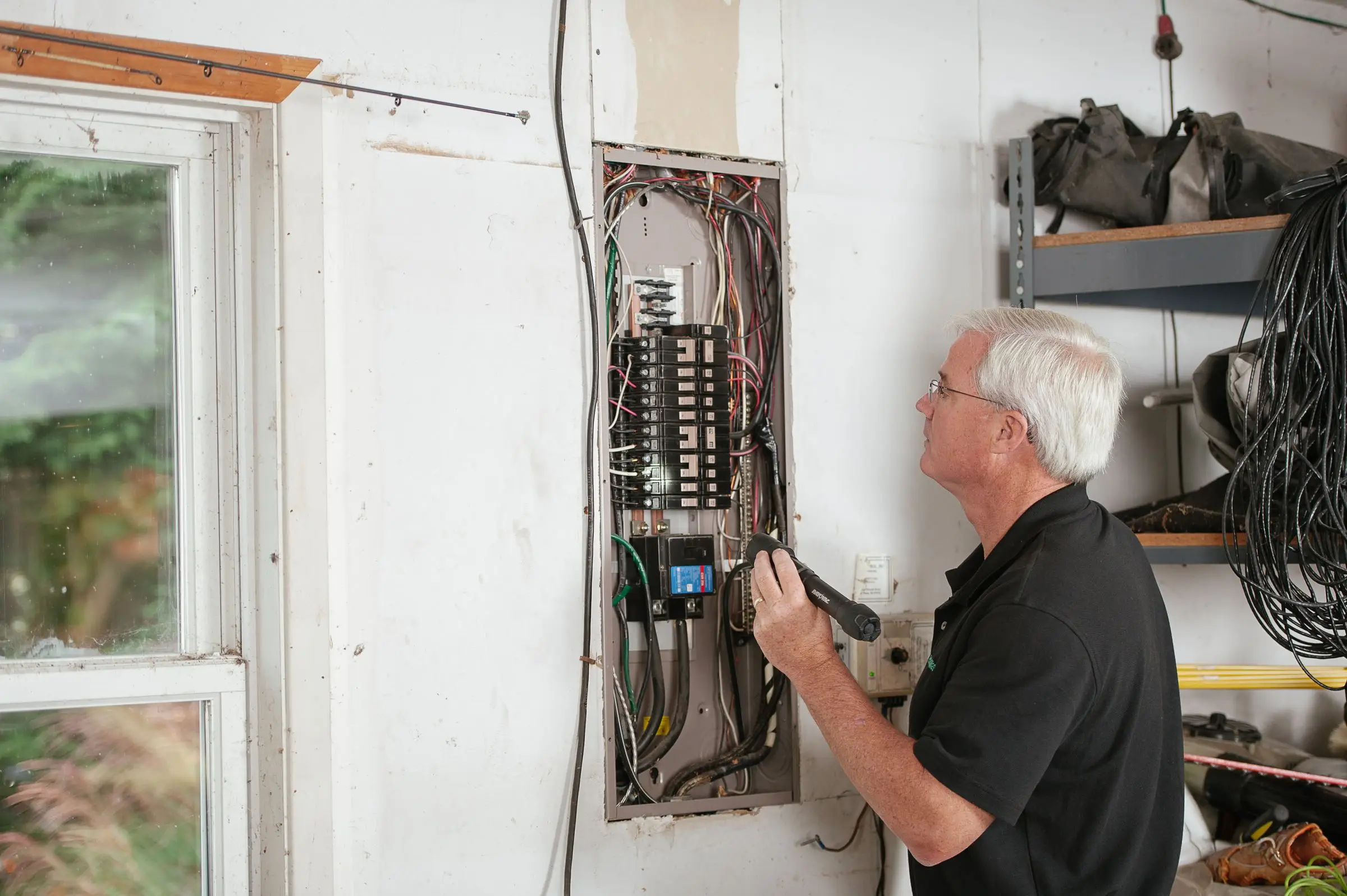
Electrician with a flashlight inspecting the breakers in an open residential electrical panel in a garage
Photo: Kathleen Austin Kuhn / Pexels

What electrical software has to handle

Permits and inspections tracked on the job

Most electrical work beyond a device swap needs a permit, and many jobs need a rough-in and a final inspection. The software should store the permit number and jurisdiction, put inspection dates on the calendar, and block final invoicing until the final passes if you want it to. A failed inspection should create a return visit, not a sticky note on the dispatcher's monitor.

Progress billing for construction work

Commercial and new-construction jobs bill monthly against a schedule of values, often on AIA G702/G703 forms, with retainage held back until closeout. Retainage is often 5% to 10%, and on a long job that's real money to track. Service-only apps can't do this, which is why so many electrical contractors run a second spreadsheet just for draws.

Service calls and projects in one system

A typical small electrical shop does service work in the morning and a tenant build-out in the afternoon. Running two systems means two customer lists, two schedules and double entry into QuickBooks. You want one schedule that shows a 1-hour service call next to a 3-week project crew, and job costing that works on both.

Option quotes for panel upgrades and EV chargers

EV charger installs and panel upgrades are the bread-and-butter residential upsell, and they're rarely one price. The homeowner may need a dedicated circuit, a load calculation, a service upgrade or a utility coordination visit. Quotes with optional line items let the customer pick, and photos of the existing panel attached to the quote cut down on back-and-forth.

Job costing by phase

Electrical labor is the cost that drifts. Tracking hours and materials against the estimate by phase (rough-in, trim, final) tells you which bids are losing money while you can still fix the next one. Look for time tracking from the mobile app that tags the job and phase, not just clock-in and clock-out.

Top 3 electrical picks

Ranked by fit for this buyer. Prices from vendor pricing pages, checked Nov 7, 2026.

  1. Knowify logo

    1.KnowifyTop pick

    Best for service + construction

    From $99/mo

    billed annually

    3.9out of 5
  2. Jobber logo

    2.Jobber

    Best for residential service

    From $29/mo

    billed annually

    4.1out of 5
  3. FieldPulse logo

    3.FieldPulse

    Best for growing mixed shops

    Quote only

    price on request

    3.9out of 5

Electrical software by job

Detailed picks for each job your office handles.

Our picks, in detail

Knowify logo

Our pickBest for service + construction

Knowify

Job costing and AIA billing for commercial subs

3.9out of 5

Knowify is built for trade subcontractors, and electrical contractors are a big part of who it serves. The core strengths are job costing (estimate vs. actual by job), AIA-style progress billing with a schedule of values, and QuickBooks integration, which is what you need once you're billing a GC monthly on a commercial build-out. It also handles scheduling and service work, with a Service Pro add-on for heavier service operations. As of October 2026, Knowify lists Core (1 user) at $99 to $149/mo and Advanced (10 users) at $329 to $399/mo depending on billing term, plus $29/mo per extra user. The pricing page doesn't label which figure is which term, so confirm on your quote. Owners commonly report a learning curve to set up job costing correctly, and the mobile app is less capable than the desktop.

What we like

  • AIA-style progress billing and job costing built in
  • Designed for subcontractors who bill GCs
  • Published pricing with onboarding sessions included

Watch out for

  • Learning curve to configure job costing and billing
  • Mobile app is weaker than the desktop version
  • Big price jump between Core and Advanced
Jobber logo

Best for residential service

Jobber

The easiest all-rounder for small residential crews

4.1out of 5

If your shop lives on service calls, panel swaps, EV charger installs and small remodel wiring, Jobber is the easier tool. Quotes support optional line items, so you can show a homeowner the base EV charger install, the dedicated circuit and the panel upgrade as separate choices and let them approve online. Scheduling, invoicing, card payments and the client hub are polished, and pricing is published: Core is $29/mo billed annually for 1 user, Connect for 5 users is $149/mo billed annually, and Grow for 5 users is $229/mo billed annually, as of October 2026. The 14-day trial needs no credit card. Where it falls short for electricians is construction work: there's no AIA progress billing, and owners commonly report job costing and inventory are shallow.

What we like

  • Published prices and a no-card 14-day trial
  • Optional line items suit panel and EV charger quotes
  • Clean client hub for online approvals and payments

Watch out for

  • No AIA-style progress billing for construction draws
  • Job costing and inventory are basic
  • Costs climb as you add users and add-ons
FieldPulse logo

Best for growing mixed shops

FieldPulse

Flexible job management with solid estimating

3.9out of 5

FieldPulse is aimed squarely at HVAC, plumbing and electrical contractors, with configurable estimates, service agreements, project tracking, inventory and job costing in one system. For an electrical shop that's growing from 4 to 12 people and wants someone to help set it up, the guided onboarding is a selling point. The downside is pricing: it's quote-only and seat-based. Third-party estimates vary widely, roughly $30 to $150 per user per month (not published by the vendor). Owners commonly report that phones, fleet tracking and AI dispatching are paid add-ons, and that the mobile app has occasional bugs and sync issues. Get the add-ons you'll actually need written into the quote.

What we like

  • Built for HVAC, plumbing and electrical contractors
  • Project tracking and service agreements in one system
  • Guided onboarding for shops without an IT person

Watch out for

  • Quote-only; third-party estimates range widely
  • Phones, fleet and AI tools are paid add-ons
  • Owners report occasional mobile app sync issues

What makes electrical contractor software different

Electrical is the trade where service and construction collide. Plenty of HVAC and plumbing shops do some new construction, but a typical small electrical contractor might run two service vans and a three-person crew on a commercial fit-out at the same time. Those two kinds of work need different paperwork. A service call needs a quick quote, a flat-rate or time-and-material invoice and a card payment before the van leaves. A construction job needs a bid, a schedule of values, monthly progress billing with retainage, change orders, and job costing that tells you whether the bid was right.

Most field service software is built for the first kind of work. That's why so many electricians end up with a field app for service calls, a spreadsheet for draws and QuickBooks for everything else. The tool you pick should match where your revenue actually comes from, not where you think it should come from.

Permits and inspections are the other everyday difference. A panel upgrade, a service change, an EV charger circuit or a basement finish usually means a permit, and often both a rough-in and a final inspection. Missed inspections hold up final payment. Failed ones need a return trip that somebody has to schedule and, ideally, nobody has to pay for twice. Software doesn't need a fancy permit module, but it needs a reliable place for the permit number, the inspection date and the result, tied to the job.

Residential electrical work has also shifted toward bigger-ticket, option-heavy jobs. An EV charger install can be a simple circuit or a 200-amp service upgrade with a utility appointment. Generators, surge protection and panel replacements all sell better when the customer sees choices with prices and photos of their own panel.

How to choose by shop size

One electrician

You need quotes with options, invoicing from the truck, card payments and a calendar. Jobber Core at $29/mo billed annually is the easy start. If you already do a lot of GC work as a one-man sub, Knowify Core ($99 to $149/mo depending on billing term) gets you progress billing from day one. Don't buy a takeoff tool until you're bidding from plans regularly.

Two to five electricians

Here the mix of work decides the tool. A service-heavy shop does well on Jobber Connect at $149/mo billed annually for 5 users, or Grow at $229/mo if you want the extra automation. A shop doing regular GC work should be on Knowify: Core plus four users at $29 each lands around $215 to $265/mo depending on billing term, and you get job costing and draws in the same system as your service calls. This is also the size where you should start tracking labor by job phase, because one bad bid can wipe out a quarter's margin.

Six to fifteen-plus electricians

Now you likely have a foreman, an estimator (maybe the owner at night), and someone in the office doing billing. Knowify Advanced covers 10 users at $329 to $399/mo, with extra users at $29. FieldPulse is worth a quote if you want project tracking, service agreements and inventory with guided setup, though third-party estimates of $30 to $150 per user make the final number hard to predict. Larger residential service shops with a call center sometimes go to ServiceTitan, at third-party estimates of $245 to $500 per technician per month. For commercial bids from drawings, plan on a separate takeoff tool.

What electrical software costs

Prices are as of October 2026, from vendor pricing pages unless marked as third-party.

Shop Option Monthly software cost
1 user Jobber Core $29/mo billed annually ($49 month to month)
1 user Knowify Core $99 to $149/mo depending on billing term
5 users Jobber Connect, 5 users $149/mo billed annually
5 users Knowify Core + 4 users about $215 to $265/mo
12 users Knowify Advanced + 2 users about $387 to $457/mo
12 users Jobber Grow, 15-user bracket $399/mo billed annually
12 users FieldPulse Quote only; third-party estimates of $30 to $150 per user

The payment side works differently from other trades. Service customers pay by card, so card fees matter there: at Jobber's 2.9% + 30¢, $20,000 a month in card payments costs about $580 plus 30 cents per payment, while ACH is 1%. GCs pay draws by check or ACH, and the cost that hurts on construction work isn't processing fees. It's slow pay and forgotten retainage. On a hypothetical $120,000 subcontract with 10% retainage, $12,000 sits with the GC until closeout. Software that tracks retainage owed by job, and reminds you to bill it, pays for itself the first time it catches one.

Add-ons are where electrical budgets go sideways. Knowify sells fleet tracking from $25 per vehicle per month and a Service Pro add-on. FieldPulse prices phones, fleet and AI dispatch separately. Jobber's Marketing Suite is $99/mo. Get every add-on you plan to use on the written quote.

Common mistakes when switching electrical software

Moving open construction jobs mid-draw. Don't migrate a job halfway through its billing. Finish active progress-billed jobs in the old system, or at least through the next draw, and start new jobs in the new one. Rebuilding a schedule of values with three months of billed-to-date history is how numbers get wrong.

Skipping the schedule of values setup. If your progress billing doesn't match the GC's format, they'll send it back. Get a sample pay application from your biggest GC and set up the new system to match before the first draw is due.

Not tracking labor by phase from day one. Shops often turn on job costing later and lose the chance to compare old jobs. Have techs clock time to the job and phase from the first week, even if nobody reviews it for a month.

Forgetting permits on the migration list. Open permits and pending inspections are usually in someone's head or a notebook. List every open permit with its inspection status before you switch, and enter them as visits in the new system.

Buying one tool for a business that needs two. If you bid commercial work from drawings, a field service app won't replace your takeoff software. Plan for both and make sure the estimate total can move into the job without retyping.

Ignoring QuickBooks mapping. Progress billing, retainage and change orders all hit QuickBooks differently than a simple service invoice. Have your bookkeeper review how the new tool posts a draw and a retainage release before go-live, not at year-end.
More electrical software reviews

Software categories

Questions owners ask

What is the best software for a small electrical contractor?

For a shop that does both service and construction, we'd pick Knowify for its job costing and AIA-style progress billing. For a shop that's nearly all residential service, Jobber is simpler and starts at $29/mo billed annually as of October 2026. Larger residential service shops with dispatchers and call centers sometimes move to ServiceTitan, which is quote-only.

Do electricians need separate estimating software?

Only if you bid larger commercial or new-construction work from plans. Dedicated takeoff and estimating tools like McCormick or Accubid count devices and wire from drawings, which field service apps don't do. For service work, panel upgrades and EV charger installs, the quoting built into Jobber, Knowify or FieldPulse is usually enough. Many shops run a takeoff tool for bids and a field tool for everything else.

How do electrical contractors handle progress billing?

Most bill monthly against a schedule of values, showing percent complete per line, minus retainage, on AIA G702/G703 or a similar format the GC requires. Software like Knowify generates those draws from the job's schedule of values and tracks retainage owed. Without it, shops usually keep a spreadsheet per job and retype the numbers into QuickBooks, which is where errors creep in.

Can field service software track permits and inspections?

Most can store a permit number and inspection date with custom fields or job notes, and schedule the inspection as a visit. Very few have permit tracking as a dedicated feature. The workable setup is a custom field for the permit number, an inspection visit on the calendar, and a checklist the tech completes before the final so you don't fail on something simple.

How much does electrical contractor software cost?

As of October 2026, Jobber Core is $29/mo billed annually for one user, and Jobber Connect for 5 users is $149/mo billed annually. Knowify Core runs $99 to $149/mo for one user and Advanced $329 to $399/mo for 10 users depending on billing term. FieldPulse and ServiceTitan are quote-only. Budget separately for any takeoff software you use for commercial bids.