What electrical shops need from invoicing software
Service invoicing is the simple case: tech finishes, invoice builds from the job, customer pays on the spot. What makes it work is a pricebook so the tech isn't inventing prices on site, line items for permit fees so they're not eaten, and a way to take a card or send an ACH link before leaving.
Bigger residential jobs need deposits. A standby generator, an EV charger with a service upgrade, or a whole-house rewire can mean thousands in equipment ordered before you start. Collect a deposit on the approved quote, then bill the balance after the final inspection.
Construction work is different again. GCs pay subs on draws, often monthly, against a schedule of values, with retainage held back. Change orders need their own line. If you send a GC a homeowner-style invoice, expect it back.
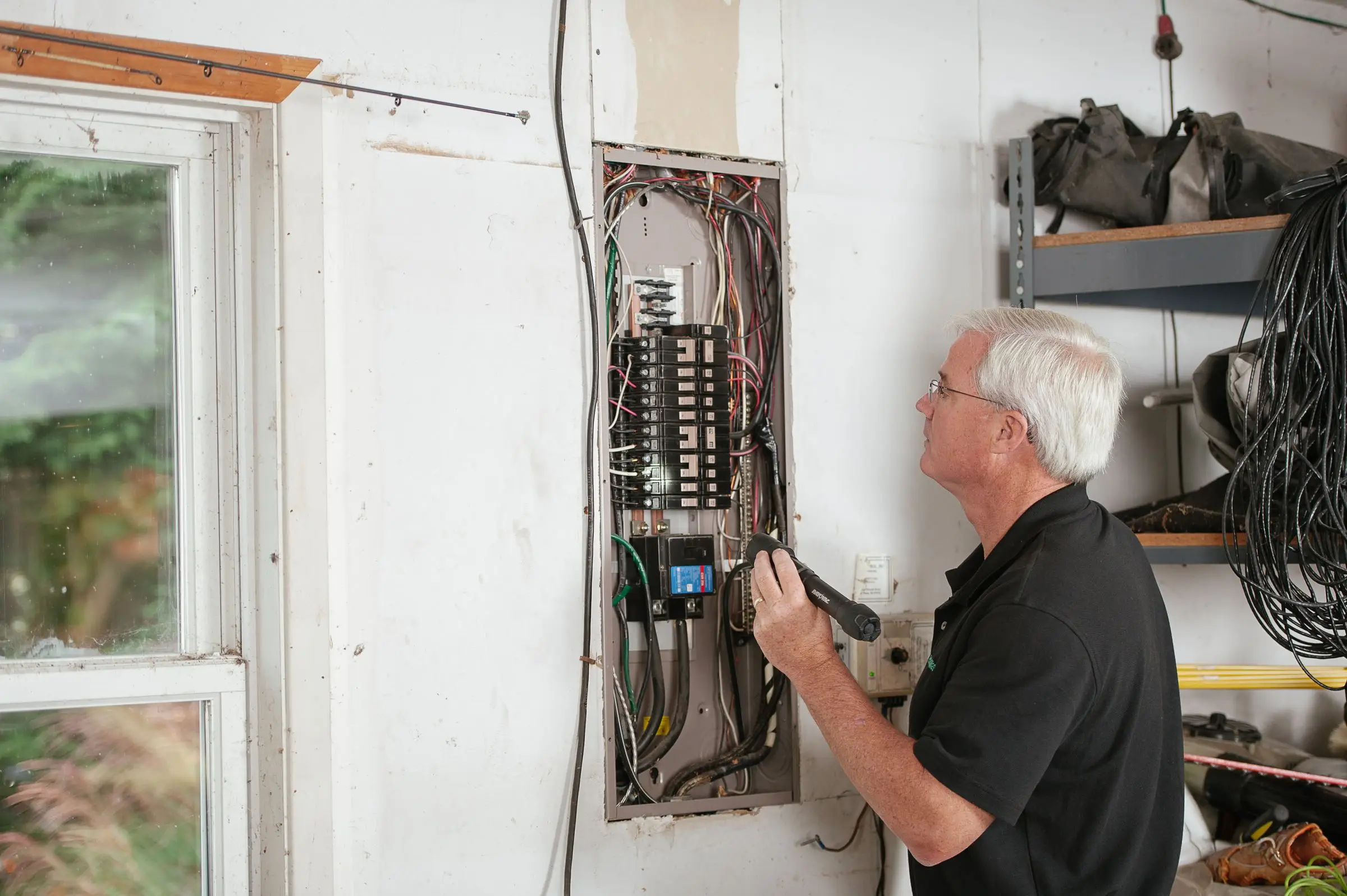
Whatever the shape, a good electrical invoice answers the questions before the customer calls. It says what was done in plain words ("replaced 100-amp panel with 200-amp panel, new meter base, new grounding electrodes") rather than a single line that reads "electrical work". It lists the permit number and the inspection result when there was one. It shows your warranty terms, and it separates labor, material and fees so a homeowner comparing you to a cheaper quote can see where the money went. Templates that let you save this once and reuse it are worth more than any fancy invoice design. So is a photo or two of the finished panel attached to the invoice, which ends most "what did I pay for" calls before they start.
How the picks compare
For most residential shops, the decision is Jobber versus Housecall Pro. Jobber has the lower entry price and Tap to Pay; Housecall Pro has the lower published card rate (from 2.59% versus 2.9% + 30¢). Run your monthly card volume through both rates before choosing. Knowify is the clear pick for commercial subs, and pairs with QuickBooks for the books. Joist covers the one-person shop on a budget. ServiceTitan and Workiz make sense when invoicing is part of a bigger service operation rather than the main reason you're buying.
If you also run crews in other trades, our roundup of invoicing software for contractors covers broader options.
What to look for before you sign
- On-site payment. Test Tap to Pay or a card reader during the trial, from a basement with weak signal.
- Permit and inspection fees. Make sure you can add pass-through fees as their own line.
- Deposits. Confirm you can require a deposit when a customer approves a quote.
- Progress billing, if you do construction. Schedule of values, percentage complete and retainage, or you'll be doing it in a spreadsheet.
- ACH option. Bank payments at 1% beat card fees on any invoice over a few hundred dollars.
- QuickBooks sync. Check that payments, fees and deposits post correctly, not just invoice totals.
What it costs
Prices as of October 2026, billed annually, before card fees.
| Shop size |
Jobber |
Housecall Pro |
Knowify |
| 1 user |
$29/mo (Core) |
$59/mo (Basic) |
$99/mo (Core) |
| 5 users |
$149/mo (Connect) |
$149/mo (Essentials) |
$329/mo (Advanced, 10 users) |
| 15 users |
$299/mo (Connect) |
About $544/mo (MAX + 7 users at $35) |
About $474/mo (Advanced + 5 users at $29) |
Processing usually costs more than the software. A shop collecting $40,000 a month by card pays about $1,160 a month at Jobber's 2.9% (plus 30¢ per payment), or about $1,036 at Housecall Pro's starting 2.59%. Move half of that volume to ACH at 1% and you would save roughly $320 to $380 a month, depending on which rate you started from.