Skip to content
BlueCollarStacks

Best Landscaping Business Software

Jobber is the best fit for most small landscaping companies. LMN is the pick for design-build shops that estimate from budgets and production rates, and Service Autopilot suits automation-heavy maintenance routes.

By BlueCollarStacks EditorialUpdated

We may earn a commission from links on this page. How we make money

The short answer

Our pick

Jobber is the best fit for most landscaping companies with 1 to 10 crews.

It handles recurring maintenance visits, quotes with options, online approvals and payments with published prices and a no-card trial. Design-build shops that live on accurate install bids should look at LMN, and maintenance companies that want heavy automation should look at Service Autopilot.

Jobber logo

Jobber

Small residential crews

From $29/mo billed annually

14-day free trial · checked Oct 18, 2026

Landscape contractor software has to handle a business that changes shape every few months: weekly mowing routes in summer, install and hardscape projects in spring and fall, snow events in winter, and a crew that doubles in April and shrinks in November. It also has to estimate a $30,000 patio as carefully as it schedules a $45 mow. This page covers the three tools we'd shortlist for a 1 to 15 crew landscaping company, what they cost as of October 2026, and how to choose by size. For other trades, see our guide to software for contractors and trades.

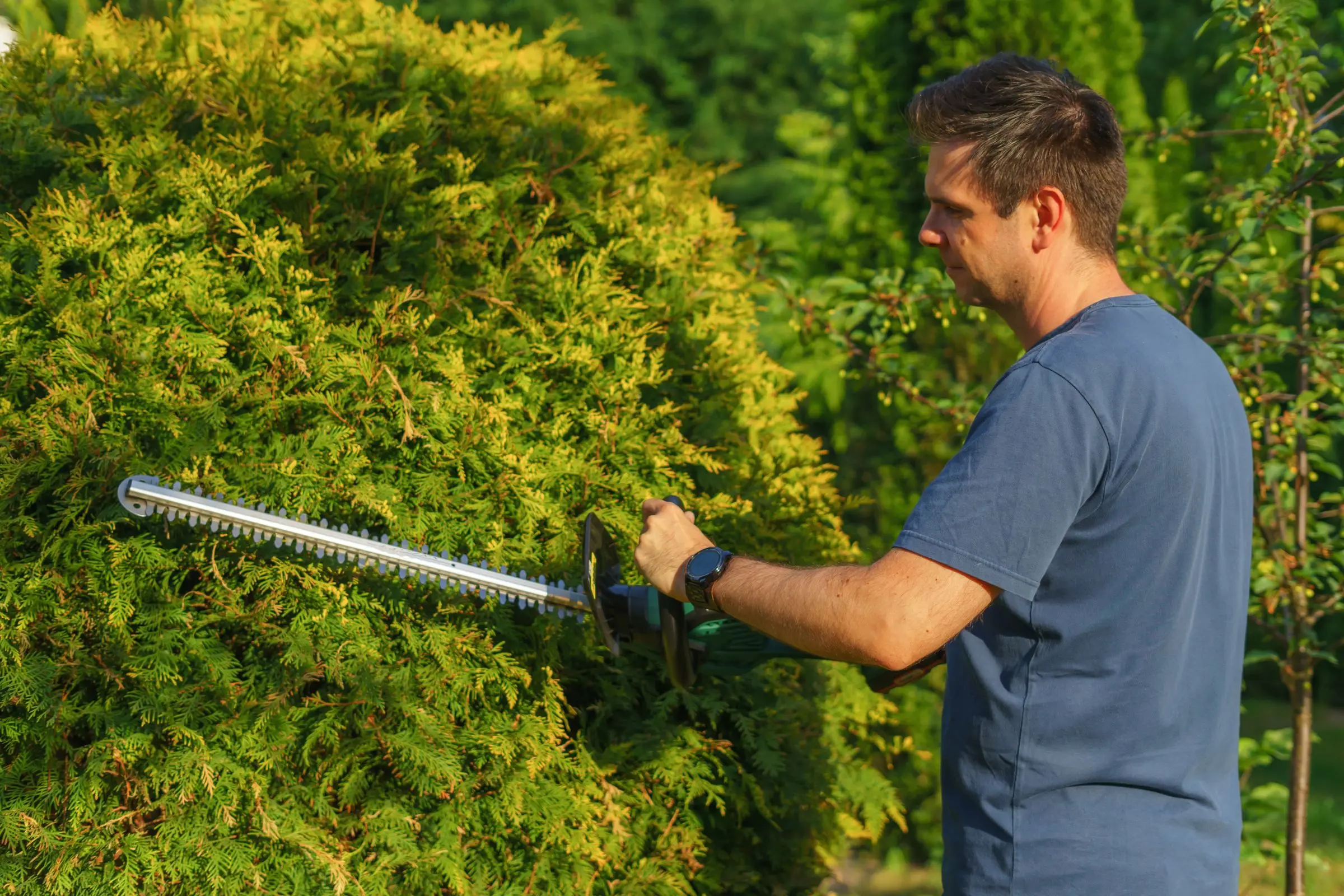
Landscaper using an electric hedge trimmer to shape a large evergreen shrub on a sunny day
Photo: Aleksander Dumała / Pexels

What landscaping software has to handle

Design-build estimates from production rates

A hardscape bid is labor hours times your real hourly cost, plus materials, equipment and overhead. Good landscaping software stores your production rates (square feet of pavers per man-hour, yards of mulch per hour) and your overhead recovery rate, so the estimate builds itself from quantities. Without that, every bid is a gut number, and one bad patio can eat a month of maintenance profit.

Maintenance contracts billed evenly

Many maintenance customers sign a seasonal or annual contract and pay the same amount every month, even though the work is heavier in May than in December. The software should split the contract into equal installments, track visits delivered against the contract, and handle extras like spring cleanup or aeration as separate charges. Per-visit invoicing alone makes cash flow lumpy all winter.

Seasonal crews that ramp up and down

Landscaping headcount swings with the season. You need to add crew members in spring without a year-long seat commitment, clock their time to the right job from a phone, and drop them in fall. Check how each tool licenses crew members versus office users, and whether you can change user counts mid-contract.

Snow removal by the push or the season

Snow contracts come in three flavors: per push, per event and seasonal flat rate, often with a trigger depth. The software needs to log each visit with time and conditions when a storm hits at 3 a.m., bill per-push accounts automatically, and keep seasonal accounts from being invoiced twice. Proof-of-service photos and timestamps settle slip-and-fall disputes.

Equipment hours in the job cost

Mowers, skid steers, trucks and trailers are a large share of a landscape company's costs. Software that charges equipment hours to jobs, or builds equipment costs into your estimating rates, tells you which jobs actually pay for the iron. It also helps schedule maintenance by hours, so a mower isn't down on the first Monday of the season.

Top 3 landscaping picks

Ranked by fit for this buyer. Prices from vendor pricing pages, checked Oct 18, 2026.

  1. Jobber logo

    1.JobberTop pick

    Best for most landscapers

    From $29/mo

    billed annually

    4.1out of 5
  2. LMN logo

    2.LMN

    Best for design-build estimating

    From $297/mo

    billed monthly

    3.8out of 5
  3. Service Autopilot logo

    3.Service Autopilot

    Best for automated maintenance

    From $49/mo

    billed annually

    3.4out of 5

Landscaping software by job

Detailed picks for each job your office handles.

Our picks, in detail

Jobber logo

Our pickBest for most landscapers

Jobber

The easiest all-rounder for small residential crews

4.1out of 5

Jobber has a long track record with lawn and landscape companies, and it covers the everyday work well: recurring visits for weekly or bi-weekly maintenance, route optimization, quotes with optional line items for install upsells, a client hub where customers approve quotes and pay, and automatic invoicing after visits or on a schedule. As of October 2026, Core is $29/mo billed annually for 1 user, Connect for 5 users is $149/mo and Grow for 5 users is $229/mo, both billed annually, and the 15-user Grow bracket is $399/mo billed annually. The 14-day trial needs no credit card. Where it falls short is install estimating: it won't build a bid from production rates and overhead recovery the way LMN does, and owners commonly report job costing is shallow.

What we like

  • Published prices and a no-card 14-day trial
  • Recurring visits, routing and auto-invoicing for maintenance
  • Client hub for online quote approval and payment

Watch out for

  • No production-rate estimating for design-build bids
  • Job costing is basic for install work
  • Costs climb as you add users and add-ons
LMN logo

Best for design-build estimating

LMN

Landscape estimating and budgeting built by landscapers

3.8out of 5

LMN, now part of Granum, is built around the way landscape contractors should price work: you build a company budget first, including overhead, equipment and labor burden, and every estimate pulls from it so each hour you sell recovers your costs. That's the difference between guessing a patio price and knowing it. It also covers scheduling, crew time tracking, job costing against the estimate, invoicing and a customer portal, and it markets itself to landscape and snow companies. As of October 2026, Starter is $297/mo with 1 office or crew-lead license and 5 crew member licenses, and Professional is $648/mo with 3 office licenses and 15 crew licenses, plus a one-time onboarding fee that isn't published. Owners commonly report a learning curve to set up budgets properly.

What we like

  • Estimates built from your own budget and overhead
  • Separate crew licenses suit seasonal workers
  • Job costing compares actuals to the estimate

Watch out for

  • Priced above general field service apps for small crews
  • Budget setup takes real time to get right
  • Onboarding fee amount isn't published
Service Autopilot logo

Best for automated maintenance

Service Autopilot

Automation-heavy platform for recurring lawn routes

3.4out of 5

Service Autopilot is aimed at lawn care, landscaping and cleaning companies with big recurring routes, and its selling point is automation: workflows that send follow-ups, renewal reminders, marketing campaigns and task assignments without someone in the office doing it by hand. Route optimization, recurring billing, crew time tracking and job costing are part of it. As of October 2026, Startup is $49/mo (1 business user and 1 mobile user), Pro is $199/mo (1 and 2) and Pro Plus is $499/mo (1 and 5), all at annual subscription rates, plus a sign-up fee that isn't published. Several useful pieces, including the QuickBooks integration, client portal, Smart Maps and GPS, are listed as call-for-pricing add-ons. Owners commonly report a steep learning curve and complex setup.

What we like

  • Heavy automation for follow-ups, renewals and marketing
  • Built for large recurring maintenance routes
  • Published base plan prices

Watch out for

  • QuickBooks, client portal and GPS are priced separately
  • Steep learning curve and complex setup
  • Sign-up fee amount isn't published

What makes landscaping software different

Landscaping is really three or four businesses that share trucks. Maintenance is a route business: weekly or bi-weekly visits, priced per visit or on a contract, where profit comes from tight routes and fast crews. Install and design-build is a construction business: estimates that have to cover labor, materials, equipment and overhead, deposits, change orders and project schedules. Snow is an on-call business that happens at 3 a.m. And enhancements like cleanups, mulch, aeration and irrigation repair sit somewhere in between. Most general field service apps handle one or two of these well.

The biggest gap is estimating. A mowing price is simple. A $30,000 paver patio with a seat wall and lighting is not. Experienced landscape contractors price install work from production rates and an overhead recovery rate pulled from their budget. If your software can't do that, the estimate is a spreadsheet the owner keeps on a laptop, and only the owner can bid. Tools built for landscape contractors, LMN in particular, make that budget the foundation of every estimate.

Crews are the other difference. Headcount swings sharply between seasons. You might run 4 people in January and 14 in May. Software priced per user, with annual commitments, can charge you for summer headcount all winter. Look at how each tool licenses crew members separately from office users, and what it costs to add and remove people during the year.

Equipment matters more than in most trades too. Mowers, skid steers, trucks and trailers are a big slice of your costs. If those costs aren't built into your estimating rates or charged to jobs, your best-looking jobs may be the ones wearing out the equipment.

How to choose by company size

Solo or one crew

You need recurring visits, quotes, invoicing, card payments and a sane route. Jobber Core at $29/mo billed annually covers it. Service Autopilot Startup is $49/mo at the annual rate plus a sign-up fee if you already know you want its automations, though the learning curve is steep for someone who's also running the mower. Skip LMN for now unless you're mostly install work.

Two to five crews

This is where a company usually finds out whether it's a maintenance company or an install company. A maintenance-heavy shop does well on Jobber Connect at $149/mo for 5 users or Grow at $229/mo, both billed annually. If routes are big and you want automated renewals, follow-ups and marketing, Service Autopilot Pro Plus at $499/mo (1 business user and 5 mobile users) is the step up, though add-ons like QuickBooks integration are extra. If install work is a third or more of revenue, LMN Starter at $297/mo with 1 office license and 5 crew licenses puts real estimating in the office.

Six to fifteen-plus crews

Now you need job costing that tells you which crews and which job types make money. LMN Professional at $648/mo with 3 office licenses and 15 crew licenses is built for this size of design-build or mixed company. Jobber Grow for 15 users is $399/mo billed annually and stays simpler, which counts for a lot when your office is two people in peak season. Larger maintenance operations with heavy automation needs should price out Service Autopilot's Elite plan, which is quote-only.

What landscaping software costs

Prices are as of October 2026, from vendor pricing pages.

Company Option Monthly software cost
Solo Jobber Core $29/mo billed annually ($49 month to month)
Solo Service Autopilot Startup $49/mo (annual rate) + sign-up fee
5 users Jobber Connect, 5 users $149/mo billed annually
5 users Jobber Grow, 5 users $229/mo billed annually
1 office + 5 crew LMN Starter $297/mo + one-time onboarding fee
1 office + 5 mobile Service Autopilot Pro Plus $499/mo (annual rate) + sign-up fee and add-ons
15 users Jobber Grow, 15 users $399/mo billed annually
3 office + 15 crew LMN Professional $648/mo + one-time onboarding fee

Payment fees matter most on install work. On a hypothetical $30,000 patio, a card payment at Jobber's 2.9% + 30¢ costs about $870, while a 1% ACH bank payment costs $300. Ask for deposits and progress payments by ACH and keep cards for maintenance autopay, where the convenience is worth the fee.

Also plan for the costs that don't show on the pricing page: Service Autopilot's call-for-pricing add-ons (QuickBooks integration, client portal, Smart Maps, GPS), LMN's onboarding fee, Jobber add-ons like the $99/mo Marketing Suite, and the owner's time building a budget and production rates. That last one is the most valuable money you'll spend, whichever tool you pick.

Common mistakes when switching landscaping software

Switching in spring. March and April are when you're selling installs, onboarding seasonal crew and starting routes. Switch in late fall or early winter, when you have time to build estimating templates and test routes before the rush.

Not moving contracts as contracts. Seasonal and annual maintenance agreements need their installment schedule, visits included and visits delivered. If they come across as plain recurring jobs, customers get billed wrong in month one. List every contract and check each after import.

Building estimates without a budget. Turning on LMN's estimating without a real budget defeats the point. Spend the winter building it with your bookkeeper: overhead, equipment, labor burden and target margin. Then build estimate templates from it.

Forgetting snow until the first storm. Set up snow accounts, triggers, billing type and the crew assignments in fall, and run a dry test. Learning the software at 3 a.m. with six inches on the ground is how pushes go unbilled.

Paying for winter headcount. Know how your contract handles seasonal users before you sign. A plan sized for 14 summer users and paid all year can cost more than the difference between tools.

Not tracking crew time from day one. Job costing only works if crews clock to the right job. Make it part of the morning routine from the first week, even before anyone reviews the reports.
More landscaping software reviews

Free tools and guides

Software categories

Questions owners ask

What is the best software for a small landscaping business?

For most companies with 1 to 10 crews, we'd pick Jobber. It handles recurring maintenance, quotes, routing, invoicing and payments, with published prices starting at $29/mo billed annually as of October 2026. Design-build companies that need accurate install bids should look at LMN. Large maintenance companies that want automated follow-ups and marketing should look at Service Autopilot.

How much does landscaping software cost?

As of October 2026, Jobber runs from $29/mo billed annually for a solo operator to $399/mo for 15 users on Grow. LMN Starter is $297/mo with 6 licenses and Professional is $648/mo with 18, plus a one-time onboarding fee. Service Autopilot runs $49 to $499/mo at annual rates plus a sign-up fee, with several integrations priced separately.

Is LMN worth it for a small landscape company?

It's worth it if install and design-build work is a big part of your revenue and you're not confident your bids cover overhead. LMN's budgeting and estimating are built for exactly that problem. For a mow-and-go company with one or two crews, $297/mo plus an onboarding fee is a lot to pay for estimating tools you'll rarely use, and Jobber is the better value.

Can landscaping software handle snow removal?

Most can schedule and invoice snow visits, but check how. You want per-push or per-event billing that triggers from logged visits, seasonal contracts that don't double-bill, and timestamped photos for proof of service. LMN markets itself to landscape and snow companies, and Jobber and Service Autopilot can handle snow as recurring or on-demand visits with the right setup.

Should I bill maintenance customers per visit or monthly?

Monthly installments on a seasonal or annual contract usually beat per-visit billing for cash flow, because you get paid through the slow months and customers see a predictable bill. Per-visit billing makes sense for one-off or irregular customers. Most landscaping software supports both, so set up contract customers on installments and keep extras like cleanups and mulch on separate quotes.