Skip to content
BlueCollarStacks

Best Landscaping Estimating Software

LMN is the best landscaping estimating software if you price from labor budgets and overhead recovery. Jobber is the simpler, cheaper choice for maintenance-heavy companies that quote from experience.

By BlueCollarStacks EditorialUpdated

We may earn a commission from links on this page. How we make money

The short answer

Our pick

LMN is the best estimating software for landscaping companies that bid installs.

Its estimates are built on a company budget with overhead recovery, so every labor hour carries its share of trucks, insurance and the office. If you mostly sell maintenance and price by feel, Jobber's quotes are faster to learn and cost less.

LMN logo

LMN

Design-build landscapers

From $297/mo billed monthly

Request a demo · checked Oct 18, 2026

A landscaping estimate is mostly a labor guess. Materials are easy to price: a yard of mulch, a pallet of pavers, a flat of annuals. The hard part is how many crew hours the job takes, what your equipment costs per hour, and how much overhead each of those hours has to carry. Estimating software either helps you get that right or just makes a wrong number look professional. This page compares the tools that do the first thing. It's part of our guide to landscape contractor software.

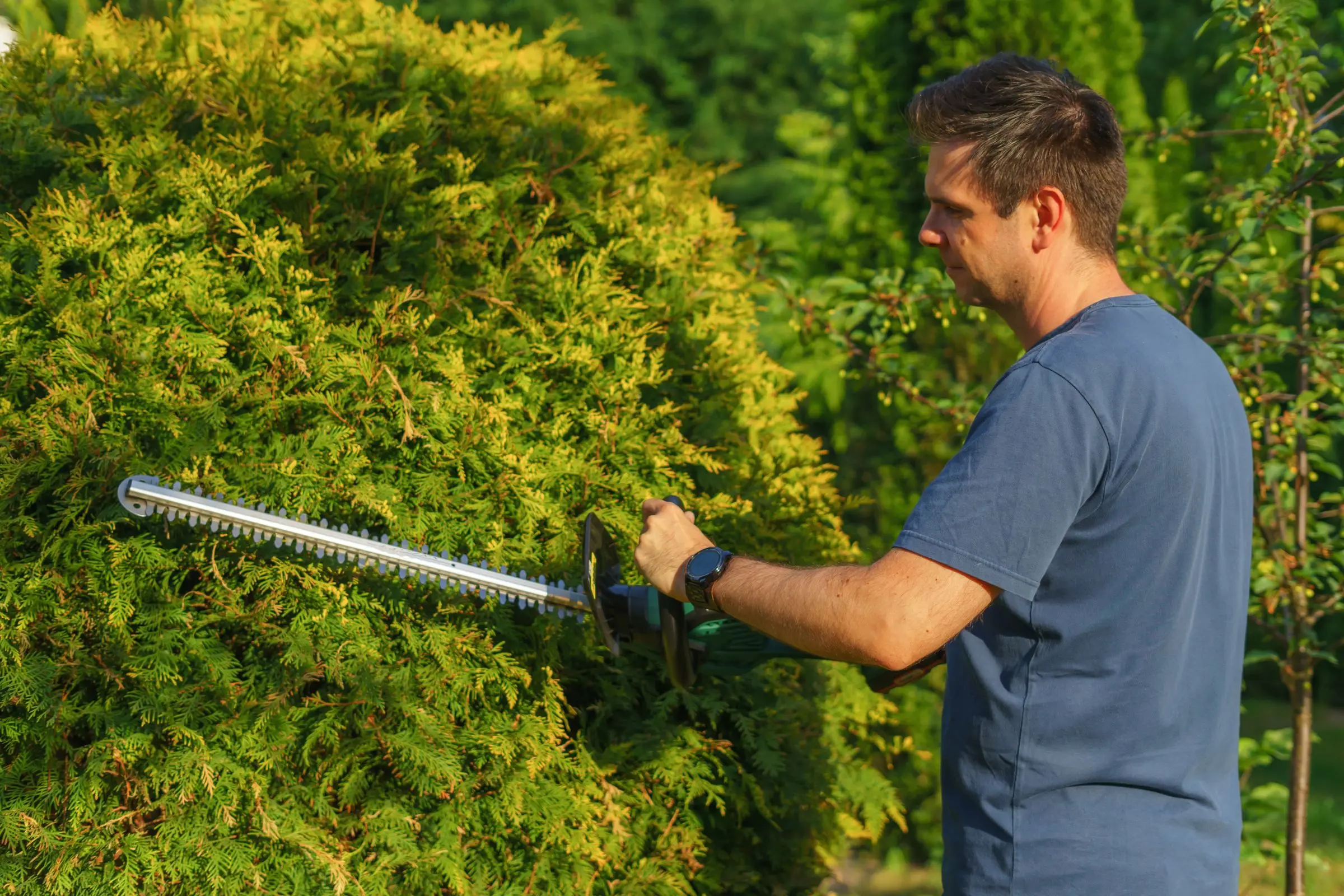
Landscaper using an electric hedge trimmer to shape a large evergreen shrub on a sunny day
Photo: Aleksander Dumała / Pexels

Our picks at a glance

Ranked by fit for this buyer. Prices from vendor pricing pages, checked Oct 18, 2026.

  1. LMN logo

    1.LMNTop pick

    Best overall

    From $297/mo

    billed monthly

    3.8out of 5
  2. Jobber logo

    2.Jobber

    Best for maintenance quotes

    From $29/mo

    billed annually

    4.1out of 5
  3. Housecall Pro logo

    3.Housecall Pro

    Best for residential add-ons

    From $59/mo

    billed annually

    4.1out of 5
  4. FieldPulse logo

    4.FieldPulse

    Best for multi-option bids

    Quote only

    price on request

    3.9out of 5
  5. Workiz logo

    5.Workiz

    Best for small on-call jobs

    Quote only

    price on request

    3.8out of 5

Our picks, in detail

LMN logo

Our pickBest overall

LMN

Landscape estimating and budgeting built by landscapers

3.8out of 5

LMN starts where most landscaping estimates go wrong: overhead. You build a company budget once, LMN works out what each labor hour has to recover, and estimates pull from that rate along with your price lists, material calculators and labor calculators. The estimate turns into an automated proposal and a job plan the crew can follow. Starter costs $297/mo with 1 office and 5 crew licenses and includes 1 active budget; Professional is $648/mo with 3 office and 15 crew licenses and adds real-time job costing so you can compare the bid to actual hours (as of October 2026). Owners commonly report it takes real effort to set the budget up correctly, and there's an unpublished onboarding fee.

What we like

  • Overhead recovery built into every labor hour
  • Material and labor calculators with custom price lists
  • Estimate becomes proposal and crew job plan

Watch out for

  • Learning curve to build the budget properly
  • Bid-versus-actual job costing needs Professional
Jobber logo

Best for maintenance quotes

Jobber

The easiest all-rounder for small residential crews

4.1out of 5

Jobber's quotes are quick to build and look good on a homeowner's phone. You keep services and materials in a product list, add photos from the site visit, and the client approves and pays a deposit online. Grow ($229/mo for 5 users billed annually, as of October 2026) adds optional line items, so a spring cleanup quote can offer edging or mulch as add-ons the client ticks themselves, and job costing to check your numbers afterward. Connect ($149/mo for 5 users) adds automatic quote follow-ups. What Jobber won't do is calculate overhead or production rates for you; you bring the numbers.

What we like

  • Fast, clean quotes with online approval and deposits
  • Optional line items for add-on services
  • 14-day trial with Grow features, no card

Watch out for

  • No production-rate or overhead calculator
  • Optional line items and job costing only on Grow
Housecall Pro logo

Best for residential add-ons

Housecall Pro

Strong marketing tools and a fast mobile app

4.1out of 5

Housecall Pro works for a residential landscaping company that wants a price book and consumer financing on every estimate. Price book and financing are on all plans, starting with Basic at $59/mo billed annually (1 user, as of October 2026), and MAX ($299/mo, up to 8 users) adds a sales proposal tool for bigger jobs. Financing helps sell a $12,000 patio to a homeowner who'd otherwise wait a year. The estimate tools are built for HVAC and plumbing tickets, so there are no landscaping material calculators.

What we like

  • Consumer financing on every plan
  • Price book from the Basic plan

Watch out for

  • No landscaping material or labor calculators
  • Proposal tool only on MAX
FieldPulse logo

Best for multi-option bids

FieldPulse

Flexible job management with solid estimating

3.9out of 5

FieldPulse's configurable estimates and proposals let you show a client two or three versions of the same project, which is how many hardscape and irrigation jobs get sold. Inventory tracking helps if you stock pipe, heads and fittings. It's designed for HVAC and electrical contractors, so you'll build landscaping items yourself. Pricing is quote only; third-party estimates put it around $30 to $150 per user per month (not published by the vendor). Good-better-best layouts suit a lighting package or a patio in two sizes. Plan an afternoon to load your irrigation parts and labor rates before the first real bid.

What we like

  • Multi-option proposals
  • Inventory for irrigation parts

Watch out for

  • No published pricing
  • No landscaping-specific calculators
Workiz logo

Best for small on-call jobs

Workiz

Built-in phones and call tracking for on-demand service work

3.8out of 5

Workiz suits estimates for quick, call-driven jobs like storm cleanup or a sprinkler repair, where speed matters more than precision. Estimates turn into jobs and invoices in one flow, and inventory and job costing are part of the system. For a multi-day install it's thinner than LMN or Jobber. Workiz moved to quote-only pricing in 2026; third-party records of its last published prices (April 2026) showed Pro at $325/mo for 5 users, which is not a current vendor price. Use it if speed to quote matters more than precision.

What we like

  • Quick estimate-to-job flow
  • Inventory and job costing included

Watch out for

  • Thin for multi-day install estimates
  • Quote-only pricing and 7-day trial

What landscaping shops need from estimating software

Three numbers drive a landscaping estimate: quantity, production rate and loaded labor cost. Quantity you get from the site visit, like square feet of patio, yards of mulch or linear feet of edging. Production rate is how fast your crew actually works on that task. Loaded labor cost is the wage plus taxes, workers' comp and overhead recovery. If your software only helps with the first number, you're on your own for the two that decide profit.

Here's how fast the loaded rate climbs. A crew member paid $20 an hour costs closer to $26 once payroll taxes and workers' comp are added. Add $20 an hour of overhead recovery and you're at $46 before profit. Quote that crew at $45 an hour and you lose money on every job while feeling busy. Estimating software that holds your loaded rate stops a salesperson from quietly using the wage number.

Equipment matters too. A skid steer or a mini excavator on site should carry an hourly rate in the estimate, the same as labor. Material markup needs a consistent rule, and plants usually need a warranty allowance.

Maintenance contracts need their own estimate math. Time on site per visit, times visits per season, plus drive time between properties, then spread across the billing months. A property that takes 45 minutes but sits 25 minutes off your route costs more than one that takes an hour next door to three other clients. The software should let you price that difference, or at least show it.

Presentation is the other half. Homeowners buying a $15,000 project want to see options, photos and a clear deposit request. Commercial bids need a scope that matches the property manager's spec line by line. Good software makes both without retyping.

How the picks compare

LMN is the only pick that does the math. Its budget sets your overhead recovery, and estimates inherit it, which is why established landscaping companies use it for installs. The cost and setup time only make sense if you'll keep the budget current.

Jobber is the better tool for a company that mostly sells maintenance, cleanups and smaller installs. Quotes are quick, optional line items push ticket size up, and job costing on Grow shows whether your guesses held. Many owners pair Jobber with a pricing spreadsheet that holds their production rates.

Housecall Pro, FieldPulse and Workiz are general estimating tools that work once you've done your pricing elsewhere. Pick between them on financing, multi-option proposals or speed. For estimating tools across other trades, see our roundup of estimating software for contractors.

What to look for before you sign

  • Overhead built in or bolted on. Decide whether the software calculates overhead recovery or just holds your rate.
  • Bid versus actual. Job costing that compares estimated hours to crew time is how you fix bad production rates.
  • Options on one estimate. Good-better-best or optional line items for hardscape and planting jobs.
  • Deposit collection. Clients should approve and pay a deposit from the estimate itself.
  • Equipment rates. Check that equipment can be a line item with an hourly cost, not just labor and materials.
  • Plant warranty language. You'll want editable terms on every install estimate.

What it costs

Prices as of October 2026. FieldPulse and Workiz are quote only.

Company size Jobber (annual) LMN Housecall Pro (annual)
Solo estimator Core $29/mo, 1 user Starter $297/mo Basic $59/mo, 1 user
5 people Grow, 5 users: $229/mo Starter $297/mo (1 office + 5 crew) Essentials $149/mo, up to 5 users
15 people Grow, 15 users: $399/mo Professional $648/mo (3 office + 15 crew) MAX $299/mo, 8 users, then $35/user

For a 15-person company on Housecall Pro MAX, seven extra users at $35 each adds $245, so about $544/mo. LMN adds a one-time onboarding fee. Card deposits run 2.9% + 30¢ on Jobber and from 2.59% on Housecall Pro.

Related guides

Questions owners ask

How do landscapers calculate labor on an estimate?

Most use production rates: how many crew hours a task takes per unit, such as hours per yard of mulch spread or per 100 square feet of pavers laid. Multiply by your loaded labor rate, which includes wages, payroll taxes and overhead recovery. LMN builds this into its budgeting. With general apps you keep the rates in a spreadsheet or in your head.

What is overhead recovery in landscaping estimates?

It's the share of your fixed costs (office, insurance, shop, owner salary) that each billable crew hour has to cover. If overhead is $180,000 a year and crews bill 9,000 hours, every hour needs to carry $20 of overhead before profit. Leave it out and every job looks profitable while the bank account says otherwise.

Is there free landscaping estimating software?

Not among the tools on this page. Jobber, Housecall Pro and Workiz offer free trials (14, 14 and 7 days), and Jobber's cheapest plan is $29/mo billed annually as of October 2026. A spreadsheet works for your first season, but you lose online approvals, deposits and the link between the estimate and the job.

Should I charge for landscape design estimates?

Many design-build companies charge a design fee and credit it toward the install if the client signs. That filters out tire-kickers and pays for the hours a full design takes. Your software should let you invoice the fee separately, then show the credit on the project estimate so the client sees it applied.

Can estimating software measure a property from satellite images?

None of the picks here list built-in aerial measurement on their pricing pages. Most landscaping companies still measure on site or use a separate measuring tool, then enter quantities into the estimate. Ask each vendor directly whether they integrate with a measurement service before you count on it.