Skip to content
BlueCollarStacks

Best General Contractor Estimating Software

Contractor Foreman is the best-value estimator for most small GCs. Buildertrend is better if you build homes with client selections, and Joist is enough for small residential jobs.

By BlueCollarStacks EditorialUpdated

We may earn a commission from links on this page. How we make money

The short answer

Our pick

Contractor Foreman is the best estimating software for most small general contractors.

It carries an estimate through bids, change orders and job costing for $49 to $332 a month, which is a fraction of Buildertrend's $499 starting price. Custom home builders who live on client selections should pay up for Buildertrend, and a one-truck remodeler can get by on Joist.

Contractor Foreman logo

Contractor Foreman

Small GCs on a budget

From $49/mo billed annually

30-day free trial ยท checked Oct 18, 2026

Estimating is where a general contractor makes or loses a job, long before the first sub shows up. A good estimator holds your cost codes, unit costs and markup, then becomes the budget and the change-order baseline once the contract is signed. We compared six tools on that whole path: takeoff, sub bids, the proposal the client signs, and the budget you track against afterward. This page is one part of our guide to software for construction management, and every price here is as of October 2026.

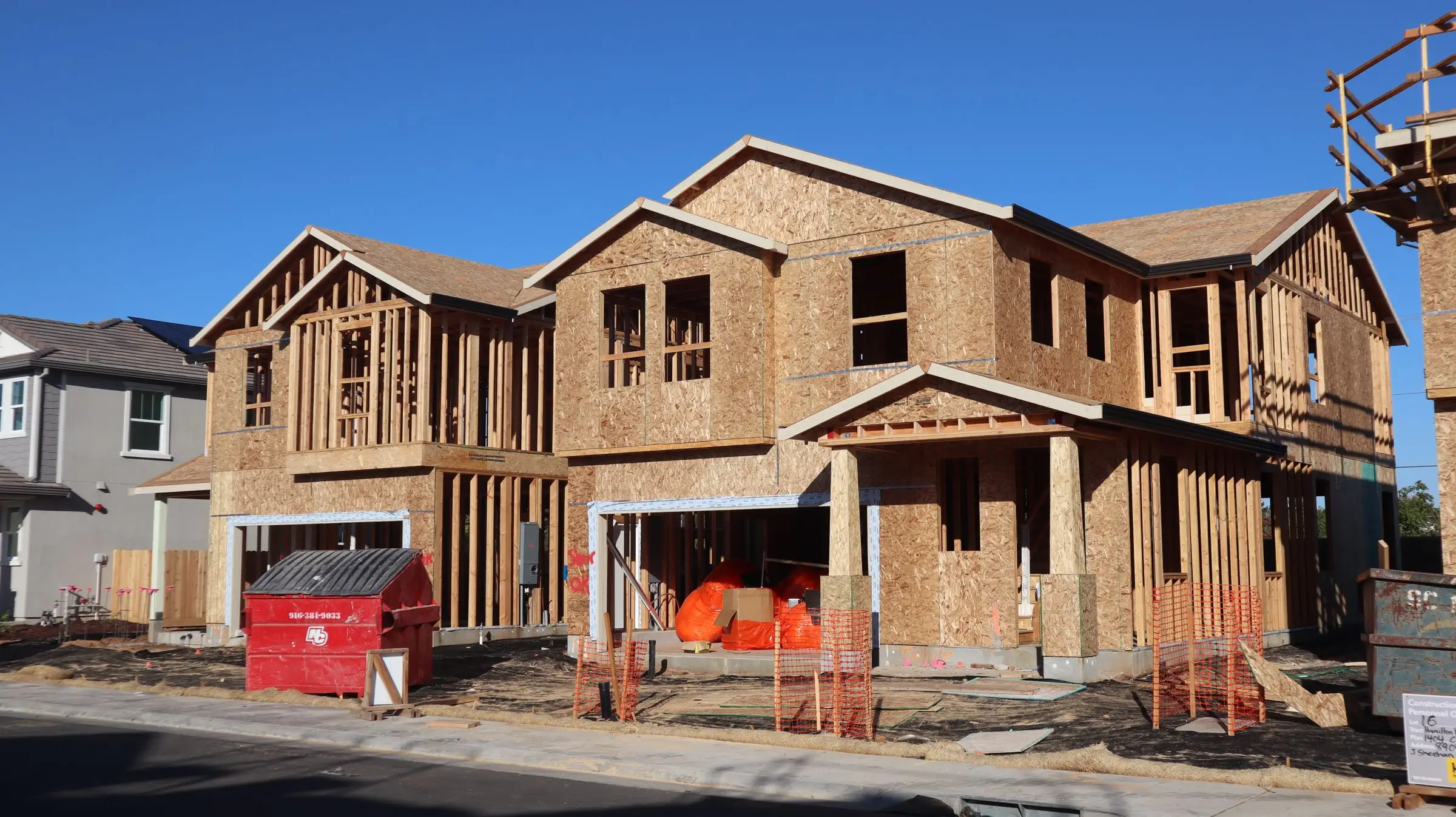
Wood-framed two-story homes under construction with OSB sheathing and a dumpster out front
Photo: D Goug / Pexels

Our picks at a glance

Ranked by fit for this buyer. Prices from vendor pricing pages, checked Oct 18, 2026.

  1. Contractor Foreman logo

    1.Contractor ForemanTop pick

    Best overall for small GCs

    From $49/mo

    billed annually

    4.1out of 5
  2. Buildertrend logo

    2.Buildertrend

    Best for home builders

    From $499/mo

    billed monthly

    4.0out of 5
  3. Joist logo

    3.Joist

    Best for small residential jobs

    From $8.34/mo

    billed annually

    3.8out of 5
  4. Knowify logo

    4.Knowify

    Best for commercial billing

    From $99/mo

    billed annually

    3.9out of 5
  5. 5.STACK

    Best for plan takeoff

    See vendor site

    per vendor

    Not scored
  6. CompanyCam logo

    6.CompanyCam

    Best site-walk companion

    From $63/mo

    billed annually

    4.1out of 5

Our picks, in detail

Contractor Foreman logo

Our pickBest overall for small GCs

Contractor Foreman

A lot of construction software for not much money

4.1out of 5

Contractor Foreman builds estimates by cost code, pulls sub pricing through its bid module, and turns the accepted estimate into a job budget, change orders and invoices without retyping. It includes a takeoff tool, and some plans add Home Depot pricing to the material database. The price is the main argument: $49/mo billed annually for one user, $166/mo for up to 8 users on Plus, and $221/mo for up to 15 on Pro, as of October 2026. Setup and implementation are free on Pro and Unlimited. The tradeoff is clutter. Owners commonly say the interface feels busy because there are so many modules, so plan to switch off what you don't use in week one.

What we like

  • Estimate, bids, change orders and job costing in one place
  • Published prices from $49/mo billed annually
  • 30-day trial and a 100-day money-back window on annual Plus and up

Watch out for

  • Busy interface with a learning curve
  • Users report occasional mobile app slowness
Buildertrend logo

Best for home builders

Buildertrend

Full project management for builders and remodelers

4.0out of 5

Buildertrend is the stronger pick when the homeowner is part of the estimate. Allowances, selections and a client portal let the buyer choose the tile, see the price move and approve it, and that approval flows into the budget and the change-order log. It also handles takeoff, proposals, sub bids and job costing. Pricing moved to a single platform quote starting at $499/mo with unlimited users, 10% off when paid annually upfront, and the onboarding package you choose changes the final number. No free trial is listed. For a custom builder running eight-month projects, the cost spreads out. For a GC doing $40,000 bathroom jobs, it's a lot of software.

What we like

  • Selections and allowances tied to the budget
  • Unlimited users at one price
  • Client portal cuts down on approval phone calls

Watch out for

  • Starts at $499/mo before onboarding
  • Steep learning curve
  • Mobile app is less capable than desktop, per users
Joist logo

Best for small residential jobs

Joist

Simple estimates and invoices from your phone

3.8out of 5

Joist is a phone-first estimator for jobs you can price at the kitchen table: a deck, a basement finish, a kitchen with two subs. You build line items, send a clean branded estimate, and convert it to an invoice with card payments once the work is done. It syncs with QuickBooks. Plans run from $8.34/mo (Basics, billed annually) to $26.67/mo for Elite, and the Run plan lists at $100/mo or $58.33/mo annually with an intro discount, as of October 2026. There's a 14-day trial with no card. Joist's old free plan is gone. There's no cost-code budget behind the estimate, so once you're managing several subs per job you'll outgrow it.

What we like

  • Fast estimates from a phone
  • Cheapest paid option on this page
  • Estimate converts straight to an invoice

Watch out for

  • No budget or job costing behind the estimate
  • Limited scheduling and team features
  • Free plan discontinued
Knowify logo

Best for commercial billing

Knowify

Job costing and AIA billing for commercial subs

3.9out of 5

Knowify fits GCs and subs who bill commercial work through pay applications. The estimate becomes the contract value, and the contract drives AIA-style progress billing and job costing that sync to QuickBooks. That saves a lot of spreadsheet work at the end of every month if you submit G702/G703 style pay apps. The Core plan shows $149/mo or $99/mo with yearly billing for one user, and Advanced shows $399 or $329 for 10 users, with extra users at $29/mo, as of October 2026. Knowify's page doesn't label which figure is the yearly rate, so confirm on a call. Users commonly report a learning curve to set up job costing correctly, and the jump from Core to Advanced is steep.

What we like

  • Estimate feeds progress billing and job costing
  • Good QuickBooks integration
  • Onboarding sessions included on each plan

Watch out for

  • Big price jump from Core to Advanced
  • Mobile app weaker than desktop

Best for plan takeoff

STACK

If your estimates start from a plan set rather than a tape measure, a dedicated takeoff tool pays off. STACK is cloud-based on-screen takeoff and estimating: you measure areas, lengths and counts off PDF plans, apply assemblies, and export quantities to your estimate. It suits GCs bidding new construction and tenant improvements. STACK advertises a free account, but its own description makes it a short preview on a couple of projects rather than a free tool you'd run a business on. Paid tiers aren't fully published, so get a quote. It doesn't do budgets, change orders or client proposals, so it sits next to one of the tools above rather than replacing it.

What we like

  • Real on-screen takeoff from PDF plans
  • Cloud-based, so estimators can share projects

Watch out for

  • Pricing not fully published
  • Takeoff only: no budget, change orders or proposals
CompanyCam logo

Best site-walk companion

CompanyCam

The photo documentation app crews actually use

4.1out of 5

CompanyCam doesn't estimate anything, and we wouldn't pretend it does. It's here because a good remodel estimate starts with a site walk, and CompanyCam keeps those photos organized by address with notes, tags and checklists the whole office can see. When you price the job back at the desk, you're not guessing what the attic access looked like. Later, those dated photos are what you point to when a client disputes a change order. Core is $63/mo billed annually for one user, Crew is $119/mo for three, and added users are $29/mo each, as of October 2026. CompanyCam's own pricing page showed two different figures for Crew and Scale, so confirm before you buy.

What we like

  • Photos organized by job with notes and tags
  • Backs up change orders and disputes
  • Works for every trade on site

Watch out for

  • Not an estimating tool at all
  • Per-user costs add up for bigger crews

What general contractors need from estimating software

A GC estimate is a stack of other people's numbers. Framing, drywall, electrical and plumbing come in as sub bids. You carry your own labor for demo, carpentry and supervision. Materials get priced off a supplier list that changed last month. Then overhead, contingency and markup sit on top. Software earns its keep when it keeps that stack organized by cost code, so the estimate becomes your budget instead of a PDF nobody opens again.

What matters for a 1 to 25 person GC:

  • Cost codes and assemblies. A 12x14 deck or a bathroom gut should be one saved assembly with labor, material and sub lines, not 40 lines typed fresh each time.
  • Sub bid collection. Sending a bid package to three electricians and comparing the numbers side by side beats a folder of emailed PDFs.
  • Takeoff. New builds and commercial work start from plans. Remodels usually start from a tape measure and photos, so on-screen takeoff matters less there.
  • Estimate to budget to change order. When the client adds a window, the change order should price off the same cost codes and update the budget.
  • A proposal clients can sign. Clear scope, allowances, exclusions and an e-signature.

If you're shopping for a specialty trade rather than a GC office, our broader guide to estimating software for contractors covers those tools.

How the picks compare

Contractor Foreman and Buildertrend are the two that carry an estimate all the way through to job costing. The difference is mostly price and polish. Contractor Foreman runs $49 to $332 a month billed annually depending on user count. Buildertrend starts at $499 a month with unlimited users and quotes the rest. Owners on review sites commonly describe Contractor Foreman as busy and Buildertrend as expensive with a steep learning curve. For a three-person residential GC, we think the Contractor Foreman tradeoff is easier to live with.

Buildertrend pulls ahead when clients take part in the estimate. Selections, allowances and a portal where the homeowner approves upgrades are worth real money to custom builders and design-build remodelers. A GC doing tenant improvements gets little from them.

Joist is a different kind of tool. It's a fast phone estimator and invoicer, built for jobs you can price in an evening, and it falls short as soon as you're managing a budget across several subs. Knowify earns its spot for GCs who bill commercial work with pay applications, because the estimate feeds progress billing directly. STACK is the specialist for plan-based takeoff. CompanyCam is the photo record you price from and defend change orders with.

What to look for before you sign

  • Rebuild one real past job during the trial, including two sub bids and a change order. Joist gives 14 days and Contractor Foreman 30. Buildertrend doesn't list a trial, so ask for a sandbox.
  • Check whether your cost codes import from a spreadsheet or have to be typed in by hand.
  • See how allowances and exclusions print on the proposal. Vague allowances cause most change-order fights.
  • Confirm what the QuickBooks sync sends: an estimate, a budget, invoices only, or nothing until the job is billed.
  • Try estimating on the phone during a site walk, not just viewing a finished estimate.
  • Read the cancellation terms. Contractor Foreman offers a 100-day money-back guarantee on annual Plus, Pro and Unlimited plans and 30 days on monthly.
  • Get the onboarding cost in writing. Buildertrend's final price depends on the onboarding package.

What it costs

Published prices as of October 2026, billed annually unless noted.

Shop size Contractor Foreman Buildertrend Joist Knowify
1 user $49/mo (Basic, annual only) From $499/mo $8.34 to $26.67/mo $99/mo (Core)
5 users $166/mo (Plus, up to 8) From $499/mo Built for one or two people $329/mo (Advanced, 10 users)
15 users $221/mo (Pro, up to 15) From $499/mo, quoted Not a fit About $474/mo (Advanced plus 5 users at $29)

Add CompanyCam if your crew shoots site photos: $63/mo for one user or $119/mo for three on Crew, plus $29 per extra user. Card processing comes on top wherever you take payments. Contractor Foreman lists 2.9% + 30 cents for Visa, Mastercard and Discover, and 1% + 30 cents for ACH capped at $10. In practice, a solo GC spends $50 to $100 a month on estimating, a five-person office $166 to $500, and a 15-person firm $221 to $500 or more before onboarding.

Related guides

Questions owners ask

Is there free construction estimating software that's actually usable?

Not for a working GC office. Joist dropped its free plan, STACK's free account is a short preview, and the rest offer trials: 14 days on Joist and 30 days on Contractor Foreman. A well-built spreadsheet with your cost codes and markup is still the best free option. Free tools break down at sub bid comparison and at turning the estimate into a budget you can track.

What's the difference between residential and commercial construction estimating software?

Residential tools focus on speed, clean proposals, allowances and client selections, because the buyer is a homeowner. Commercial tools focus on takeoff from plan sets, bid leveling across many subs, and pay applications with retainage. Buildertrend and Joist lean residential. STACK and Knowify lean commercial. Contractor Foreman sits in the middle and works for both at a small scale.

Do I need separate takeoff software?

Only if you price from plans. A remodeler measuring rooms on site can type quantities straight into the estimator. A GC bidding new builds or tenant improvements from PDFs will save hours with on-screen takeoff. Buildertrend and Contractor Foreman include basic takeoff, so try those before paying for a separate tool like STACK.

Can estimating software replace QuickBooks?

No. Contractor Foreman, Buildertrend, Joist and Knowify all sync with QuickBooks, but none of them is your general ledger. They hold estimates, budgets and job costs, then push invoices and bills to the accounting system your bookkeeper and CPA work in. Plan to run both.

How long does it take to set up an estimating database?

Longer than the sales demo suggests. Loading cost codes, labor rates, a few dozen assemblies and your proposal template usually takes several evenings or a couple of weekends. Start with the five job types you bid most, build those properly, and add the rest as real bids come in.