Skip to content
BlueCollarStacks

Best General Contractor Field Service Management Software

Buildertrend is the most complete way for a small GC to run budgets, change orders and schedules in one place. Contractor Foreman does most of the same for far less money.

By BlueCollarStacks EditorialUpdated

We may earn a commission from links on this page. How we make money

The short answer

Our pick

Buildertrend is the best project and cost management software for residential general contractors.

Budgets, purchase orders, change orders, selections, schedules and a client portal all connect, and unlimited users come with the $499/mo starting price. If that price is too much for your volume, Contractor Foreman covers most of the same ground from $49/mo billed annually.

Buildertrend logo

Buildertrend

Builders & remodelers

From $499/mo billed monthly

Request a demo ยท checked Oct 18, 2026

Most field service software is built for HVAC and plumbing shops: a dispatch board, a tech on a call, an invoice by lunch. A general contractor's week looks nothing like that. You're juggling a six-week schedule, five subs, a budget by cost code and a client who just asked for a bigger window. This page compares the tools that handle project schedules, change orders and job costing for 1 to 25 person GCs. It's part of our larger guide to software for construction management, with prices as of October 2026.

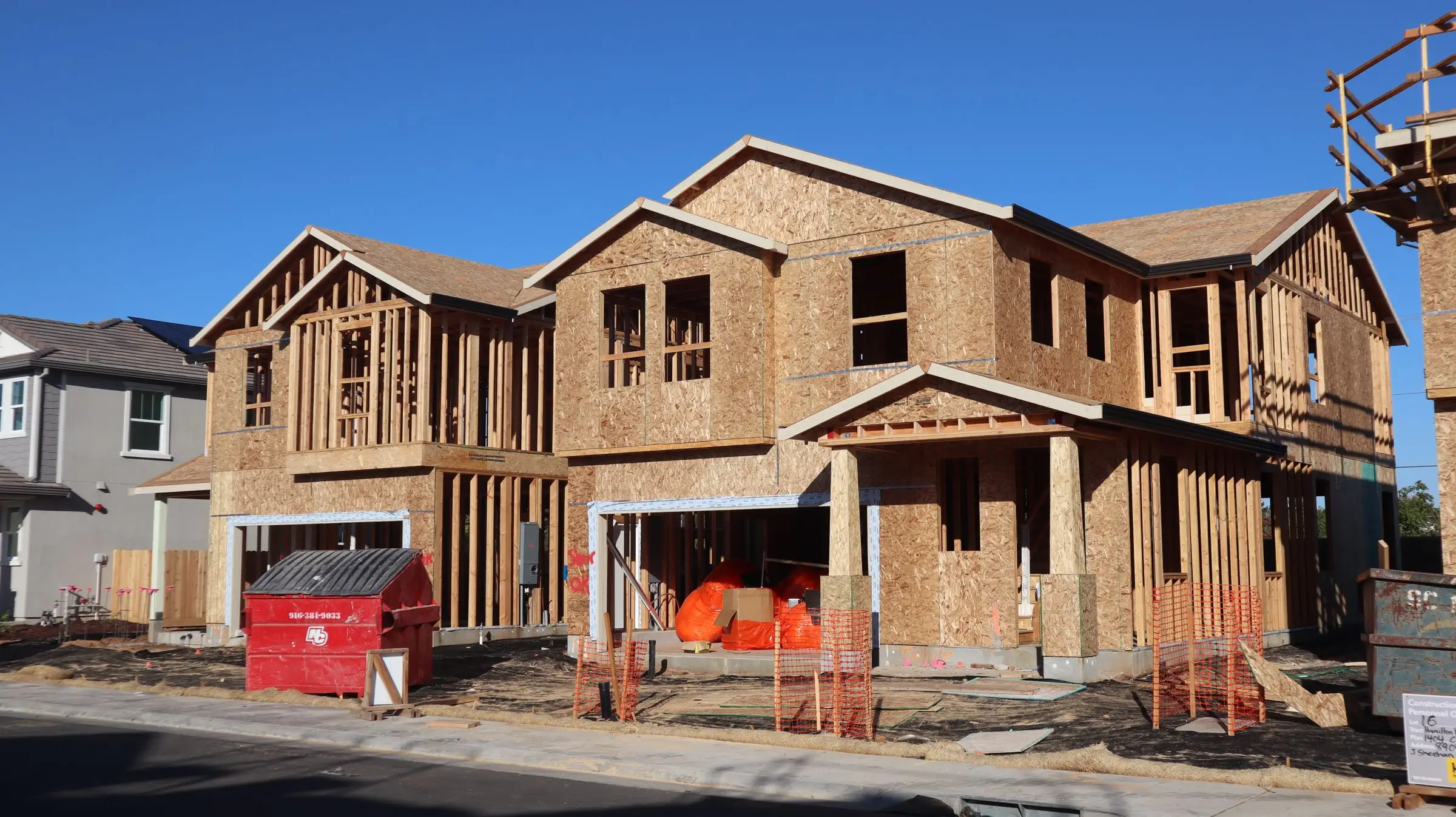
Wood-framed two-story homes under construction with OSB sheathing and a dumpster out front
Photo: D Goug / Pexels

Our picks at a glance

Ranked by fit for this buyer. Prices from vendor pricing pages, checked Oct 18, 2026.

  1. Buildertrend logo

    1.BuildertrendTop pick

    Best overall for builders

    From $499/mo

    billed monthly

    4.0out of 5
  2. Contractor Foreman logo

    2.Contractor Foreman

    Best value

    From $49/mo

    billed annually

    4.1out of 5
  3. Knowify logo

    3.Knowify

    Best for commercial job costing

    From $99/mo

    billed annually

    3.9out of 5
  4. CompanyCam logo

    4.CompanyCam

    Best for field documentation

    From $63/mo

    billed annually

    4.1out of 5
  5. Joist logo

    5.Joist

    Best for small jobs only

    From $8.34/mo

    billed annually

    3.8out of 5

Our picks, in detail

Buildertrend logo

Our pickBest overall for builders

Buildertrend

Full project management for builders and remodelers

4.0out of 5

Buildertrend ties the pieces of a residential project together. The estimate becomes a budget by cost code, purchase orders and sub bills post against it, and approved change orders and selections update both the contract value and the budget. The schedule notifies subs when dates slide, daily logs and to-dos live on the job, and the client portal shows homeowners progress photos and pending approvals, so you field fewer calls. It also includes time tracking and QuickBooks sync. As of October 2026, pricing is a single platform quote starting at $499/mo with unlimited users, with 10% off for paying annually upfront. Your onboarding package changes the final price. Users commonly report a steep learning curve and a weaker mobile app than desktop.

What we like

  • Budget, POs, change orders and selections all connected
  • Unlimited users at one price
  • Client portal cuts approval calls

Watch out for

  • Starts at $499/mo plus onboarding
  • Steep learning curve
  • No free trial listed
Contractor Foreman logo

Best value

Contractor Foreman

A lot of construction software for not much money

4.1out of 5

Contractor Foreman covers more of a GC's day than its price suggests: estimates, bids, schedules with a Gantt view, daily logs, punch lists, change orders, timecards with GPS, job costing, invoices and payments, with QuickBooks sync. For a five-person GC that's $166/mo on Plus (up to 8 users, billed annually) or $199/mo month to month, as of October 2026. Pro covers up to 15 users at $221/mo annually and includes free setup and implementation. There's a 30-day trial and a 100-day money-back guarantee on annual Plus, Pro and Unlimited. Owners commonly say the screen feels crowded with modules, and setup takes real time, but nothing else on this page does this much under $250 a month.

What we like

  • Job costing, change orders and schedules from $49/mo
  • Free setup on Pro and Unlimited
  • Long money-back window on annual plans

Watch out for

  • Crowded interface
  • Users report occasional mobile app slowness
Knowify logo

Best for commercial job costing

Knowify

Job costing and AIA billing for commercial subs

3.9out of 5

Knowify is built for contractors who bill commercial work and need job costing their bookkeeper will sign off on. Contracts drive AIA-style progress billing, labor hours and materials post to the job, and everything syncs to QuickBooks, which makes month-end pay applications far less painful. It handles scheduling and time tracking but has less of the client-facing polish of Buildertrend. As of October 2026, Core shows $149/mo or $99/mo with yearly billing for one user, Advanced shows $399 or $329 for 10 users, and extra users cost $29/mo. Knowify's page doesn't label which figure is yearly, so confirm it. Expect a learning curve to set up cost tracking properly, and a mobile app that trails the desktop.

What we like

  • Progress billing and job costing built around contracts
  • Strong QuickBooks link
  • Onboarding sessions on every plan

Watch out for

  • Steep price jump from Core to Advanced
  • Mobile app is weaker than desktop
CompanyCam logo

Best for field documentation

CompanyCam

The photo documentation app crews actually use

4.1out of 5

CompanyCam isn't cost management software, and it won't track a budget. It earns a spot because cost disputes on GC jobs are usually settled with photos. Every picture is stamped with time and location and filed under the job address, so you can show the framing inspection, the rot behind the siding, or the condition the sub left the bathroom in. Checklists and shareable reports help with punch lists and draw requests when a lender wants proof of progress. As of October 2026, Core is $63/mo billed annually for one user, Crew is $119/mo for three users, and extra users are $29/mo. The pricing page showed conflicting figures for Crew and Scale, so check before you commit.

What we like

  • Photo record that backs up change orders and draws
  • Easy for subs and field crews to use
  • Checklists for punch lists

Watch out for

  • No budgets, schedules or job costing
  • Per-user fees grow with the crew
Joist logo

Best for small jobs only

Joist

Simple estimates and invoices from your phone

3.8out of 5

Joist is here for the GC who mostly does small residential jobs and needs estimates, invoices and payments more than schedules and budgets. It's fast on a phone, syncs to QuickBooks, and costs $8.34 to $26.67 a month billed annually on Basics through Elite, with the Run plan listed at $100/mo or $58.33/mo annually including an intro discount, as of October 2026. There's a 14-day trial. Be clear about what it is: there's no budget by cost code, no committed-cost tracking and limited scheduling. If you're running more than two or three jobs with subs at once, it won't tell you whether a job is making money.

What we like

  • Very low cost
  • Quick estimates and invoices from the field

Watch out for

  • No budget or cost tracking
  • Limited scheduling and team management

What general contractors need from project and cost management software

A GC makes money in the gap between the estimate and the final cost, and loses it in a dozen small leaks: an unsigned change order, a sub billed twice, a crew that ran 30 hours over on framing. The software's job is to make those leaks visible while the job is still open.

That comes down to a short list:

  • A budget by cost code built from the accepted estimate, not typed in again.
  • Committed costs. Subcontracts and purchase orders count against the budget the day you sign them, not the day the bill arrives.
  • Change orders that move money. An approved change order should raise the contract value and the budget line together, with the client's signature attached.
  • A schedule subs actually see, with notifications when the drywall start slides a week.
  • Daily logs, punch lists and photos tied to the job, so the record exists when someone disputes it.
  • Lien waiver tracking before you release payment to a sub.
  • Progress billing. Draws for residential lenders and AIA G702/G703 pay applications with retainage for commercial work.

Dispatch boards, route optimization and flat-rate pricebooks don't help a GC much. If your business is mostly service calls rather than projects, the dispatch-first tools in our guide to field service management software are a better match.

How the picks compare

Buildertrend and Contractor Foreman are the two all-in-one choices. Buildertrend has the deeper client side: selections, a polished homeowner portal, and a schedule that keeps subs informed. Contractor Foreman has nearly as many modules for a third of the price or less, but it looks busier and takes more setup. A custom builder doing $1.5 million a year in contracts can justify Buildertrend's $499 starting price. A remodeler doing $600,000 across 30 smaller jobs probably shouldn't.

Knowify is the pick for GCs whose pain is billing, not clients. If you send pay applications with retainage to commercial owners every month, its contract-based progress billing and QuickBooks link save hours that a residential tool won't.

CompanyCam and Joist are partial tools. CompanyCam is the field photo record that backs up every other system on this page, and plenty of GCs run it next to Buildertrend or Contractor Foreman. Joist covers estimates and invoices for small jobs and nothing about cost control.

What to look for before you sign

  • Load one finished job from last year and check whether the job cost report matches what you know the job actually cost.
  • Approve a change order end to end: client signature, contract value update, budget update, and the line on the next invoice.
  • Ask how committed costs show up. If a $22,000 framing subcontract doesn't appear until the sub bills, the budget report is late by definition.
  • Test the sub experience. Subs won't install another app, so check what they can do from a text or email link.
  • Confirm the QuickBooks sync covers bills and invoices both ways, and who owns fixing sync errors.
  • Get onboarding cost and contract length in writing. Buildertrend's price depends on the onboarding package, and Contractor Foreman's free setup applies only on Pro and Unlimited.

What it costs

Published prices as of October 2026, billed annually unless noted.

Shop size Buildertrend Contractor Foreman Knowify CompanyCam (add-on)
1 user From $499/mo $49/mo (Basic) $99/mo (Core) $63/mo (Core)
5 users From $499/mo $166/mo (Plus, up to 8) $329/mo (Advanced, 10 users) $177/mo (Crew + 2 users at $29)
15 users From $499/mo, quoted $221/mo (Pro, up to 15) About $474/mo (Advanced + 5 users) $467/mo (Crew + 12 users at $29)

Buildertrend's unlimited users make it look better as you grow, and at 15 people the gap with Contractor Foreman's Pro plan is around $280 a month before onboarding. For most small GCs, the realistic budget is $166 to $500 a month for the core system, plus CompanyCam if the crew shoots a lot of photos, plus card fees on whatever you collect online.

Related guides

Questions owners ask

What is construction cost management software?

It tracks what a job was supposed to cost against what it's actually costing. That means a budget by cost code from the estimate, committed costs from subcontracts and purchase orders, actual costs from bills and timecards, and change orders that adjust both the contract and the budget. Buildertrend, Contractor Foreman and Knowify all do this. Joist and CompanyCam don't.

Can a general contractor use Jobber or Housecall Pro?

For handyman-style work with lots of one-day jobs, yes. For projects that run weeks with several subs, they fall short. Dispatch-first tools don't track committed costs, sub schedules, selections or progress billing. Most GCs who start on them move to a construction tool once their average job runs past a couple of weeks.

Does Buildertrend replace QuickBooks?

No. Buildertrend tracks budgets, bills and change orders at the job level and syncs with QuickBooks, but your general ledger, payroll taxes and financial statements still live in accounting software. The same is true for Contractor Foreman and Knowify. Budget QuickBooks Online on top of whichever project tool you pick, and agree with your bookkeeper on which system is the source of truth for job costs.

Is project management software worth it for a two-person GC?

Usually yes once you run more than two jobs at once. The payoff is catching a job that's going over budget while you can still fix it, and having change orders signed before the work happens. At $49/mo billed annually, Contractor Foreman's Basic plan costs less than one missed change order.

Do these tools produce a WIP report?

Most small-shop tools give you budget-versus-actual and billed-to-date by job, which is the raw material for a work-in-progress schedule. Your bookkeeper or CPA usually turns that into the formal WIP report a bank or surety wants. Ask any vendor to show you their job cost report on a demo before assuming it will satisfy your bonding company.