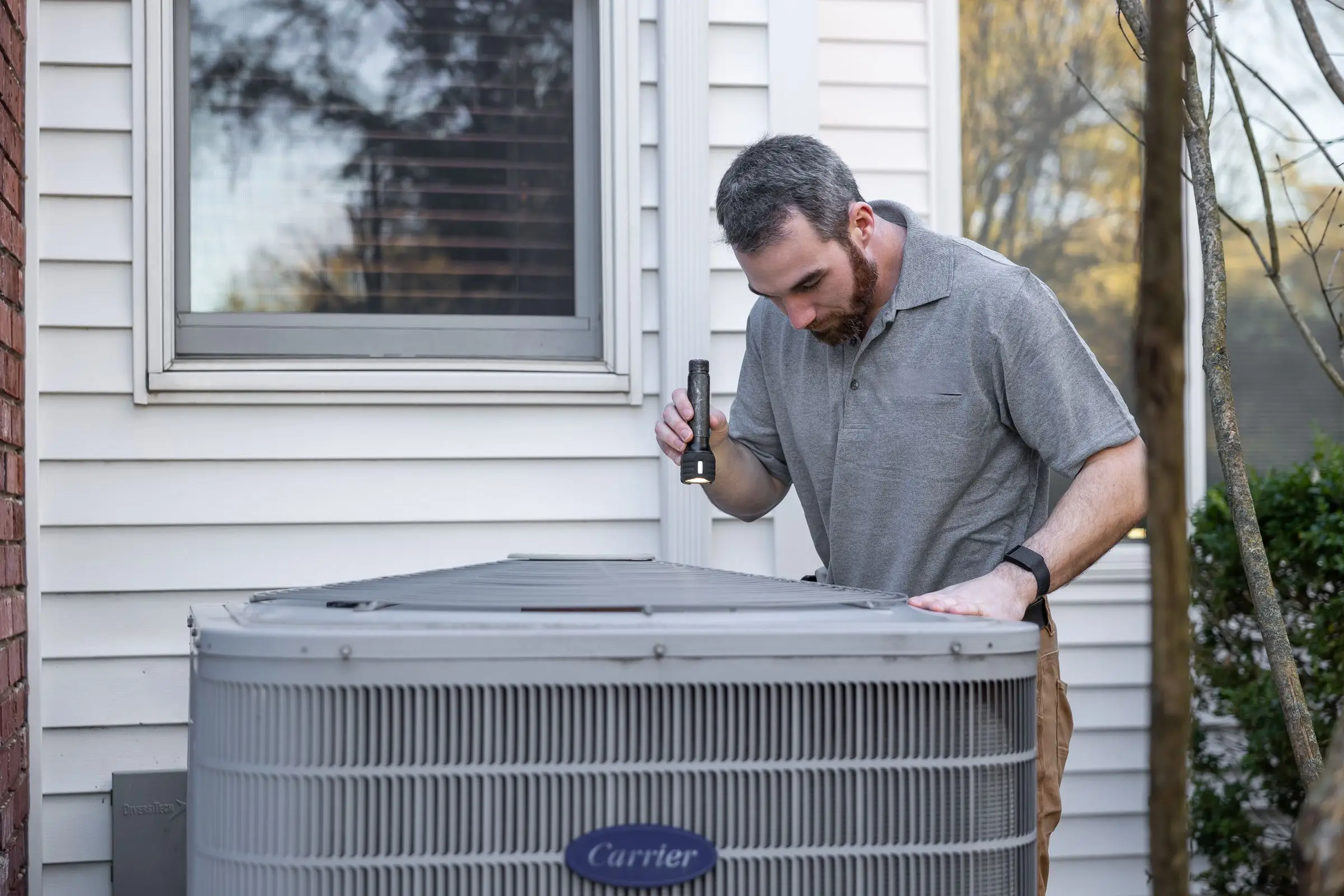
What HVAC shops need from field service software
The work order is where HVAC software earns or loses its keep. A tech who can't see that the condenser at a customer's house was replaced in 2019 with a 10-year parts warranty may quote a compressor the manufacturer would have covered. A dispatcher who can't tell which techs are comfortable on a rooftop unit sends the wrong person to the restaurant on the corner. Generic job apps treat every visit the same. HVAC visits aren't the same.
Here's what the work order has to carry in this trade:
- Equipment tied to the address. Model, serial, install date, filter size, refrigerant type and warranty dates belong to the house, because homes sell and the furnace stays.
- Flat-rate options on the tablet. The tech should pick "replace dual run capacitor" from a pricebook and show a price, rather than doing labor math in the driveway.
- Maintenance agreements that create work. Say you have 250 members on two-visit plans. That's 500 tune-ups a year, and the software should generate them, spread them across spring and fall, track visits used and apply the member discount on repairs.
- A dispatch board for surge days. On the first hot Monday in June, the board fills by mid-morning. You need to see who's closest, who's on a two-day install and who can take one more no-cool.
- Install jobs that span days and crews. A system changeout is a multi-person job with a permit, a startup checklist and sometimes an inspection. It shouldn't look like a one-hour service call on the schedule.
- Photos and startup readings. Photos of the old equipment and a checklist for superheat, subcooling and static pressure protect you on warranty claims and callbacks.
How the picks compare
The right answer depends mostly on headcount and how much of your revenue comes from agreements.
One or two trucks. The question is price and ease of use. Jobber Core at $29/mo or Housecall Pro Basic at $59/mo (both billed annually, as of October 2026) will run the day. Jobber is a little cleaner for quoting and follow-ups. Housecall Pro is the one you won't outgrow when you start selling maintenance plans.
Three to ten techs. This is Housecall Pro's sweet spot. The gap between it and Jobber at this size is the HVAC layer: Housecall Pro has flat-rate pricing, recurring service plans and a proposal tool on its published plans, while Jobber's pricing page lists none of those by name. FieldEdge is the other serious option here if your bookkeeper insists on QuickBooks Desktop, but you'll go through a sales demo to get a price.
Ten techs and up. ServiceTitan becomes the default for a reason. When you have CSRs, a dispatcher and comfort advisors, its call booking, membership tracking and reporting pay for themselves. Below that, owners commonly report paying for modules nobody uses.
Two picks fit narrower shops. Workiz makes sense if most of your work is repair calls from paid ads and you want call tracking tied to jobs. Service Fusion makes sense if you have a lot of people who need logins, because unlimited users on a flat price beats per-seat billing once you pass about a dozen accounts.
If you also run plumbing or electrical under the same roof, our roundup of field service management software covers the picks across every trade we review.
What to look for before you sign
- Make the demo use your agreement. Give the rep your real plan terms (two visits, 15% off repairs, priority scheduling) and watch them set it up and generate the spring tune-ups.
- Ask what the pricebook comes with. An empty pricebook means weeks of data entry. Ask whether an HVAC flat-rate book is included or sold as an add-on, and what it costs.
- Count every login. The owner, the office manager, the install crew and the part-time helper all count as users on per-seat plans.
- Check equipment import. Ask whether they'll import model and serial numbers from your old system or a spreadsheet, or whether that history starts over.
- Test the app with no signal. Have a tech open a job in a basement or attic and see what syncs when the phone comes back online.
- Read the contract terms. ServiceTitan and FieldEdge are sold through sales reps. Ask about contract length, implementation fees and renewal increases in writing.
- Confirm what syncs to QuickBooks. Invoices and payments, yes. Ask about items, customers, sales tax and which direction changes flow.
What it costs
Prices below are as of October 2026, billed annually unless noted. Every plan counts office staff as users, so a five-tech shop with an office manager needs six seats.
| Shop size |
Jobber |
Housecall Pro |
ServiceTitan |
| 1 tech |
Core, $29/mo |
Basic, $59/mo |
Rarely sold at this size |
| 5 users |
Connect $149/mo or Grow $229/mo |
Essentials $149/mo or MAX $299/mo |
Third-party est. $1,225 to $2,500/mo |
| 15 users |
Grow, $399/mo |
MAX with 7 extra users, about $544/mo |
Third-party est. $3,675 to $7,500/mo |
The ServiceTitan figures multiply the third-party range of $245 to $500 per tech per month and leave out implementation, which third parties report in the thousands. None of it is published by ServiceTitan.
Card fees add up faster than the subscription. Jobber charges 2.9% + 30¢ per card payment, and Housecall Pro's card processing starts at 2.59%. On $60,000 a month in card payments, the difference between those rates is real money, so push customers toward ACH (1% on both) for large install invoices.
The other variable is add-ons. Housecall Pro's Profit Rhino pricebook, Jobber's Marketing Suite at $99/mo and ServiceTitan's Pricebook Pro and Phones Pro all sit on top of the base price. Price the plan you'll actually run in August, not the one on the banner.