Skip to content
BlueCollarStacks

Best HVAC Scheduling & Dispatch Software

Jobber has the easiest schedule and dispatch board for most HVAC shops under six techs. Housecall Pro is better when agreements drive the calendar, and ServiceTitan once you have a full-time dispatcher.

By BlueCollarStacks EditorialUpdated

We may earn a commission from links on this page. How we make money

The short answer

Our pick

Jobber is the best HVAC scheduling tool for most small shops.

Its drag-and-drop schedule, GPS, route optimization and automated client reminders are easy for an office manager to run without training, from $149/mo for five users billed annually. Shops whose calendar is driven by maintenance agreements should pick Housecall Pro, and shops with a dedicated dispatcher and ten-plus techs should price ServiceTitan.

Jobber logo

Jobber

Small residential crews

From $29/mo billed annually

14-day free trial ยท checked Oct 18, 2026

HVAC scheduling is easy in April and brutal in July. The best HVAC dispatch software is the one that still works on the first 95-degree Monday, when every no-cool call wants a morning slot, two techs are tied up on a changeout and the on-call tech has already worked 11 hours. This page is part of our hvac software guide and compares five tools on dispatch, arrival windows, multi-day installs and tune-up season, with prices checked in October 2026.

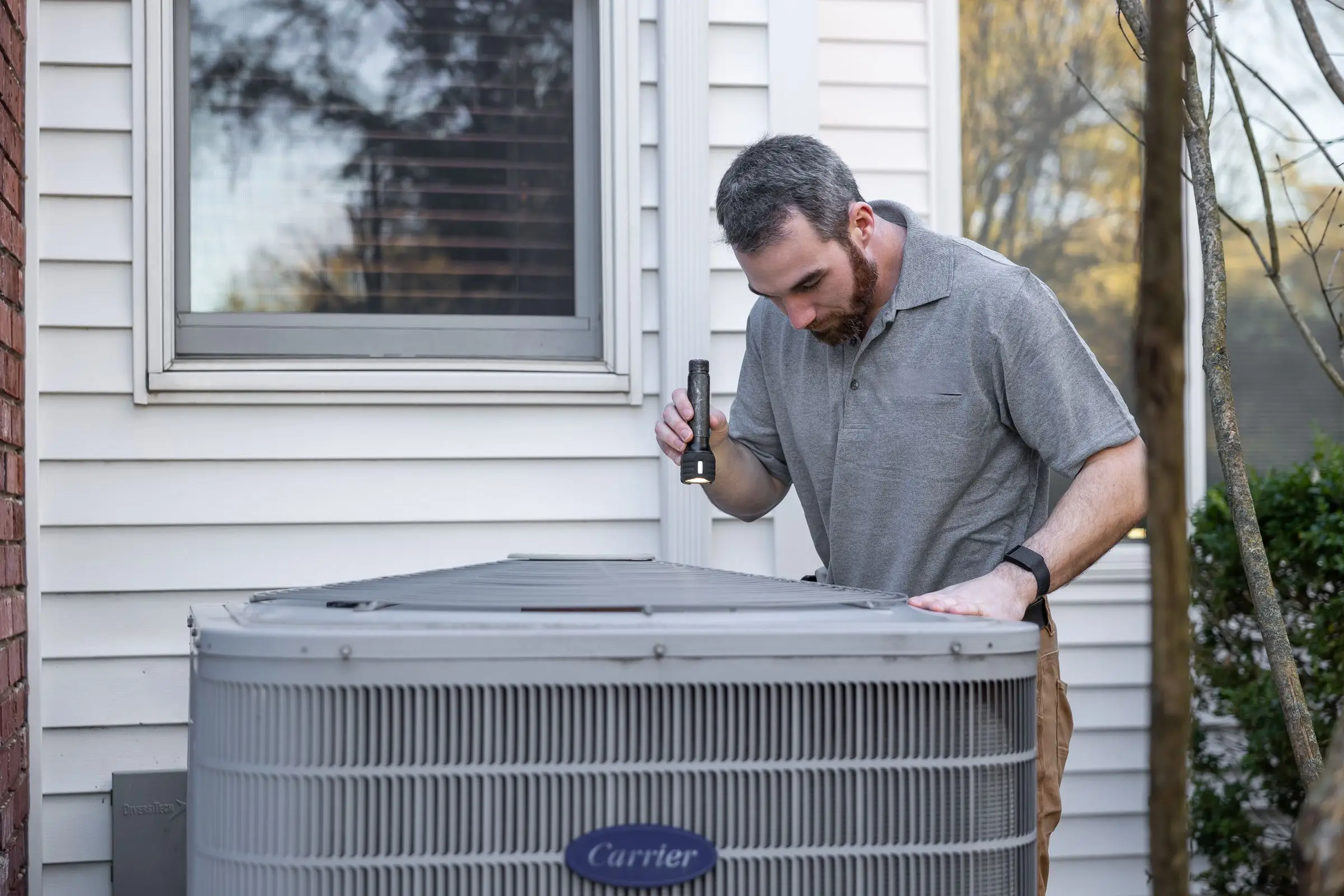
HVAC technician using a flashlight to inspect an outdoor air conditioning condenser beside a house
Photo: Kathleen Austin Kuhn / Pexels

Our picks at a glance

Ranked by fit for this buyer. Prices from vendor pricing pages, checked Oct 18, 2026.

  1. Jobber logo

    1.JobberTop pick

    Best overall

    From $29/mo

    billed annually

    4.1out of 5
  2. Housecall Pro logo

    2.Housecall Pro

    Best for agreement calendars

    From $59/mo

    billed annually

    4.1out of 5
  3. ServiceTitan logo

    3.ServiceTitan

    Best with a full-time dispatcher

    Quote only

    price on request

    3.8out of 5
  4. Workiz logo

    4.Workiz

    Best for call-driven scheduling

    Quote only

    price on request

    3.8out of 5
  5. ServiceM8 logo

    5.ServiceM8

    Best free option

    From $29/mo

    billed monthly

    3.9out of 5

Our picks, in detail

Jobber logo

Our pickBest overall

Jobber

The easiest all-rounder for small residential crews

4.1out of 5

Jobber's schedule is the easiest to read and change of anything here, which matters when the office manager is also answering phones. Drag a job to another tech and it moves to his phone. GPS and route optimization help on tune-up days when one tech has eight stops. Connect ($149/mo billed annually for five users, as of October 2026) adds automated client reminders and checklists, and Plus adds crew scheduling for install teams. The gap is HVAC-specific: no dedicated membership module, so spring and fall tune-ups run as recurring jobs you load yourself.

What we like

  • Clear drag-and-drop schedule with GPS and route optimization
  • Automated client reminders from Connect up

Watch out for

  • Tune-up seasons run on recurring jobs, not agreements
  • Crew scheduling for installs needs Plus, $399/mo for 5 users
Housecall Pro logo

Best for agreement calendars

Housecall Pro

Strong marketing tools and a fast mobile app

4.1out of 5

Housecall Pro is the better pick when maintenance agreements fill a large share of your calendar. On MAX ($299/mo billed annually, 8 users), Recurring Service Plans generate the visits and route optimization groups them by area. Essentials ($149/mo, 5 users) adds employee GPS tracking and routes. Online booking on every plan lets customers book tune-ups themselves, which takes pressure off the phones in shoulder season. Users commonly report uneven support response times, which hurts most when something breaks on a busy day.

What we like

  • Service plans generate tune-up visits on MAX
  • Online booking on every plan

Watch out for

  • Route optimization only on MAX
ServiceTitan logo

Best with a full-time dispatcher

ServiceTitan

Heavy-duty platform for established HVAC, plumbing and electrical shops

3.8out of 5

ServiceTitan's dispatch board is built for a person whose whole job is moving techs around: capacity by business unit, skills, membership priority and call booking feeding straight onto the board. That's worth it at ten-plus techs with separate install and service teams, where a bad dispatch decision costs a whole afternoon of a crew's time. It's too much board for a shop where the owner dispatches from his truck. Pricing is quote only; third-party estimates put it around $245 to $500 per technician per month plus implementation (not published by the vendor).

What we like

  • Dispatch board built around capacity and tech skills
  • CSR booking flows straight to the board

Watch out for

  • Quote only, with long onboarding reported by users
Workiz logo

Best for call-driven scheduling

Workiz

Built-in phones and call tracking for on-demand service work

3.8out of 5

Workiz ties scheduling to the phone: a call comes in, it's logged against the customer, and the booked job is tracked back to the ad that produced it. That fits HVAC shops that live on same-day repair calls from ads and need to know which source fills the board. It's weaker for planning a season of agreement visits. Pricing went quote only in 2026; a third-party record shows the last published list price was $275/mo for five users on Standard (April 2026), and phone and answering tools are sold separately.

What we like

  • Calls tied to booked jobs and lead sources
  • 7-day trial with no card

Watch out for

  • Quote-only pricing as of October 2026
  • Users report occasional mobile app sync glitches
ServiceM8 logo

Best free option

ServiceM8

Pay-per-job pricing and a slick iPhone app

3.9out of 5

ServiceM8 is the only tool here with a free plan: one user and 30 jobs a month, which can carry a brand-new solo tech through a first season. Paid plans include unlimited users and are priced by job volume, from $29/mo for 50 jobs to $149/mo for 500, as of October 2026. It works best on iPhone and iPad, and users report Android support is more limited. It isn't built for HVAC, so there are no memberships or flat-rate tools.

What we like

  • Free plan for one user and 30 jobs a month
  • Unlimited users on paid plans

Watch out for

  • Best on iOS; Android support is thinner
  • No HVAC-specific agreement or pricebook tools

What HVAC shops need from scheduling software

An HVAC schedule has three kinds of work fighting for the same techs, and the software has to keep them apart.

  • Service calls with arrival windows, where the customer gets an on-my-way text and the dispatcher needs to see who's closest.
  • Installs that take a crew for one or two days, with equipment delivery, a permit and sometimes an inspection.
  • Maintenance visits that are flexible on date but come in waves: hundreds of AC tune-ups in spring, furnace checks in fall.

Each of those wants different things from the calendar. Service calls want short, honest arrival windows and a text when the tech is 20 minutes out. Installs want the whole crew blocked, the equipment delivery confirmed and the permit noted on the job. Tune-ups want to be loaded weeks ahead in bulk, grouped by neighborhood so a tech can do six or seven in a day without crossing town.

On top of that, the dispatcher needs to see skills (who can work on a rooftop unit, who's EPA certified, who's new), the on-call rotation and how long each tech has been working. A good board shows all of it on one screen and lets you drag a call to another tech with the customer notified automatically.

Surge days are the real test. When the first heat wave hits, the board should make three decisions easy: which calls go first, how many same-day slots are left, and which tune-ups can move to next week to make room. Moving a member's tune-up without telling them is a quick way to lose the renewal, so the software needs to send reschedule notices too.

How the picks compare

Jobber is the easiest board to run day to day and the best value under about six techs. An office manager can learn it in an afternoon, and the reminders and on-my-way texts run without anyone touching them. Housecall Pro wins when agreements drive the calendar, because service plans generate the visits instead of the office loading them. If you have 300 members, that difference is two long days of data entry every spring and fall. ServiceTitan's board is the most capable, and it needs a dedicated dispatcher to be worth the price. Workiz suits call-heavy repair shops, and ServiceM8 is the free starting point.

For other trades, our guide to scheduling and dispatch software covers the picks across every trade we review.

What to look for before you sign

  • Recreate a surge day in the trial. Load 25 calls for five techs and see how fast you can rearrange them.
  • Check multi-day jobs. A two-day install should block both days for the whole crew.
  • Test customer notifications. Reminders, on-my-way texts and reschedule notices should go out without office work.
  • Ask about skills and tags. Can you filter techs by certification or job type?
  • Confirm tune-up loading. Can agreement visits be generated in bulk and spread over weeks?
  • Check the tech's view. A tech should see his day, the next job's address and history, and nothing he can't act on.

What it costs

Prices are as of October 2026, billed annually unless noted.

Shop size Jobber Housecall Pro ServiceM8
1 user Core $29/mo Basic $59/mo Free (30 jobs/mo)
5 users Connect $149/mo Essentials $149/mo Growing $79/mo (150 jobs/mo)
15 users Connect $299/mo MAX with 7 extra users, about $544/mo Premium $149/mo (500 jobs/mo)

ServiceM8 prices are monthly and scale by jobs, not users, so a 15-tech HVAC shop doing more than 500 jobs a month would need Premium Plus at $349/mo. ServiceTitan third-party estimates run $245 to $500 per tech per month, not published by the vendor. Workiz is quote only.

Related guides

Questions owners ask

Is there free HVAC scheduling software?

ServiceM8's free plan covers one user and 30 jobs a month, as of October 2026, and works best on iPhone. A busy HVAC tech will outgrow 30 jobs quickly in summer. After that, the cheapest paid options are Jobber Core at $29/mo and Housecall Pro Basic at $59/mo billed annually. Google Calendar works for a solo tech, but it can't text customers or track jobs.

How should I schedule HVAC installs versus service calls?

Keep install crews on their own lane of the board and block full days, or two, for each changeout. Service techs get arrival windows, usually two to four hours. Mixing them on one calendar is how a tech ends up promised to a no-cool at 1 p.m. while he's still setting a condenser. Jobber Plus and ServiceTitan handle crew scheduling best.

How do I handle the summer surge?

Decide your rules before it hits: which calls get priority (an elderly resident with no cooling in a heat wave, members first), how many slots you hold for same-day, and when you stop booking for the day. Then load fall tune-ups in September before the first cold snap. Software helps by showing capacity, but the rules have to come from you.

Do I need GPS tracking for HVAC techs?

It helps the dispatcher find the closest tech for an emergency and gives customers accurate arrival texts. Phone-based GPS is included on Housecall Pro Essentials and Jobber's plans list GPS tracking. Vehicle GPS with driving behavior is usually a separate add-on. Tell your techs what's tracked and when, and check your state's rules on employee monitoring.