Skip to content
BlueCollarStacks

Best Lawn Care Invoicing Software

Jobber is the best invoicing software for most lawn care companies: it bills per visit or per month and collects by card or ACH. Service Autopilot suits big route books; QuickBooks alone suits only tiny operators.

By BlueCollarStacks EditorialUpdated

We may earn a commission from links on this page. How we make money

The short answer

Our pick

Jobber is the best lawn care invoicing software for most companies.

It bills recurring mowing per visit or as a flat monthly amount, batches invoices at month end, and collects by card or ACH. Choose Service Autopilot if you bill hundreds of route accounts and want collections automated, and accept the setup.

Jobber logo

Jobber

Small residential crews

From $29/mo billed annually

14-day free trial · checked Oct 18, 2026

Lawn care invoices are small and frequent, which makes them easy to forget and expensive to chase. A $45 weekly cut is not worth a phone call, but 30 unpaid cuts across a route is a truck payment. Good invoicing software gets the card on file, bills on a schedule the client agreed to, and stops you from mowing for three weeks before anyone notices an account went bad. This page covers invoicing and payments; our guide to lawn care software covers scheduling and crews.

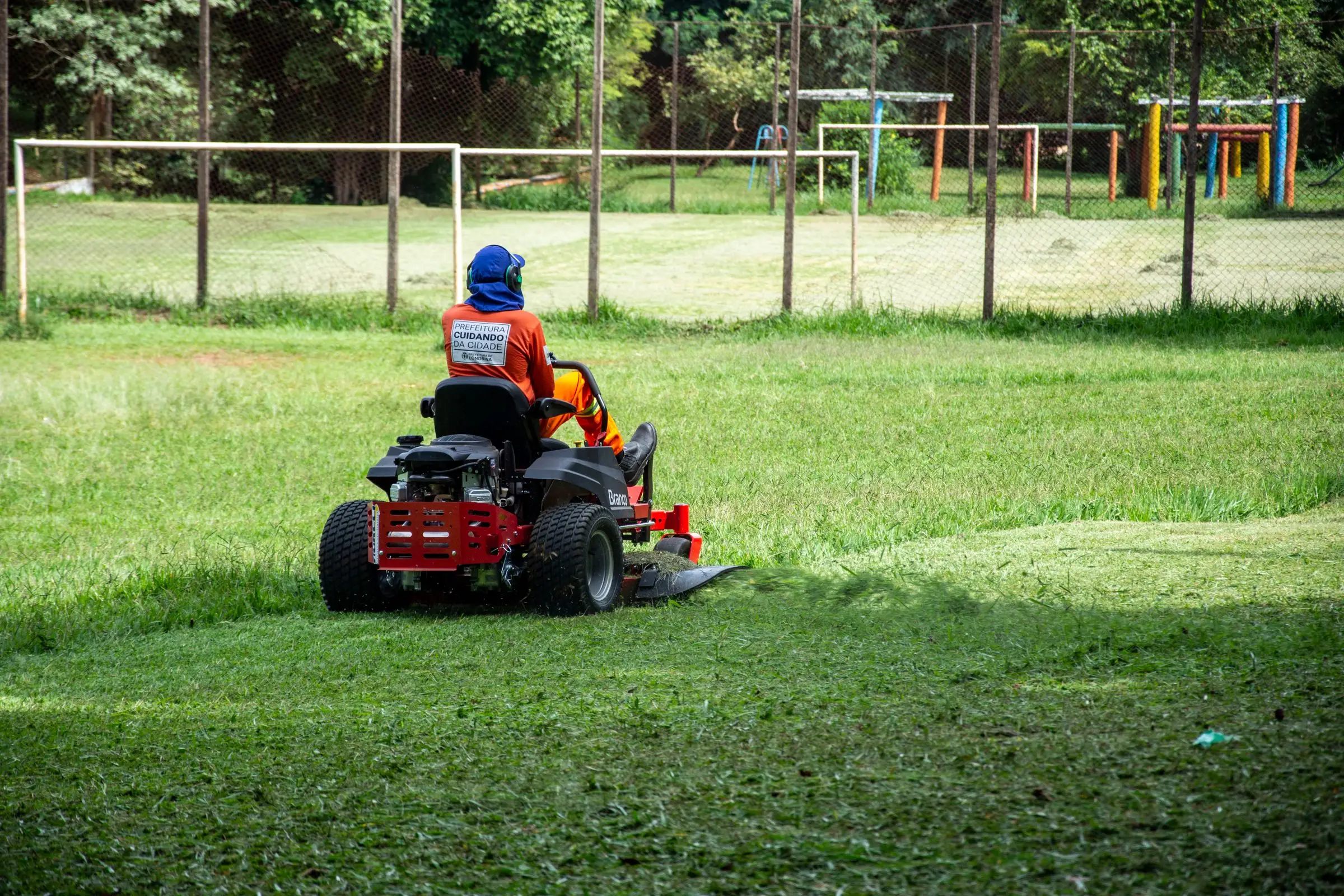
Worker in orange gear and ear protection mowing a large lawn on a red zero-turn mower
Photo: Rodolfo Gaion / Pexels

Our picks at a glance

Ranked by fit for this buyer. Prices from vendor pricing pages, checked Oct 18, 2026.

  1. Jobber logo

    1.JobberTop pick

    Best overall

    From $29/mo

    billed annually

    4.1out of 5
  2. Service Autopilot logo

    2.Service Autopilot

    Best for big route books

    From $49/mo

    billed annually

    3.4out of 5
  3. Housecall Pro logo

    3.Housecall Pro

    Lowest card rate

    From $59/mo

    billed annually

    4.1out of 5
  4. QuickBooks Online logo

    4.QuickBooks Online

    Best for tiny operators

    From $38/mo

    billed monthly

    4.5out of 5
  5. Workiz logo

    5.Workiz

    Best for one-off jobs

    Quote only

    price on request

    3.8out of 5
  6. FieldPulse logo

    6.FieldPulse

    Best for treatment contracts

    Quote only

    price on request

    3.9out of 5

Our picks, in detail

Jobber logo

Our pickBest overall

Jobber

The easiest all-rounder for small residential crews

4.1out of 5

Jobber invoices a recurring mowing job one of two ways: per visit, where each completed cut adds its line items to the bill, or a fixed price per period, such as $170 a month regardless of visit count. Invoice reminders can fire after each visit or on the last day of the month, and batch invoicing sends the whole route at once. Automatic invoice follow-ups start on Connect ($149/mo for 5 users billed annually, as of October 2026). Card payments cost 2.9% + 30¢, Tap to Pay 2.7% + 30¢, and ACH 1%, with instant payouts for another 1%.

What we like

  • Per-visit or flat monthly billing on recurring jobs
  • Batch invoicing for the whole route
  • Tap to Pay for clients who pay the crew

Watch out for

  • Follow-ups not on the $29 Core plan
  • The 30-cent fee bites on small invoices
Service Autopilot logo

Best for big route books

Service Autopilot

Automation-heavy platform for recurring lawn routes

3.4out of 5

Service Autopilot handles invoicing with integrated payments on every plan, and its real draw for invoicing is the automation tier. Pro Plus ($499/mo at the annual rate, as of October 2026) adds workflows that can send reminders or flag accounts based on status, which helps a company with hundreds of small balances. Startup is $49/mo for 1 business and 1 mobile user. Every plan has an unpublished sign-up fee, and QuickBooks integration is priced separately, so ask for the full quote.

What we like

  • Built for recurring lawn billing at volume
  • Collections automation on Pro Plus

Watch out for

  • QuickBooks integration is an extra charge
  • Unpublished sign-up fee and steep setup
Housecall Pro logo

Lowest card rate

Housecall Pro

Strong marketing tools and a fast mobile app

4.1out of 5

Housecall Pro's card processing starts at 2.59% with ACH at 1%, the lowest published card rate among these picks. Basic is $59/mo billed annually for 1 user and Essentials $149/mo for up to 5 users, as of October 2026; recurring service plans, the closest thing to a seasonal lawn program, are on MAX ($299/mo). It's designed for service calls, so billing a whole recurring route takes more clicks than on Jobber. On a $45 cut, the difference between 2.59% and 2.9% is about 14 cents, which only matters across thousands of payments. Price the plan you need first, then compare fees.

What we like

  • Card rates from 2.59%
  • Consumer financing for bigger jobs like sod

Watch out for

  • Recurring service plans only on MAX
  • Less suited to route billing
QuickBooks Online logo

Best for tiny operators

QuickBooks Online

The books your accountant already knows

4.5out of 5

If you mow 20 lawns yourself and keep the schedule in your head, QuickBooks Online Simple Start ($38/mo for 1 user, as of October 2026) gives you invoices, online payments and your books in one place, with no field app to pay for. The trade-off is that nothing connects a completed cut to an invoice; you build each bill yourself. That stops working around the time you hire your first helper. When you add a field app later, QuickBooks is the system it will sync to.

What we like

  • Invoices and books in one tool
  • Every lawn field app syncs to it later

Watch out for

  • No link between visits and invoices
  • Owners commonly report repeated price increases
Workiz logo

Best for one-off jobs

Workiz

Built-in phones and call tracking for on-demand service work

3.8out of 5

Workiz suits the invoicing side of one-off work like cleanups, aeration and storm debris, where you want the invoice sent and paid on site. Its QuickBooks Online add-on can sync invoices automatically once paid in full. It isn't designed for weekly route billing. Pricing has been quote only since 2026; third-party records of its last published prices (April 2026) showed Standard at $275/mo for 5 users, not a current vendor price. Pair it with a route tool, or pick it only if one-off work is most of your revenue. Its 7-day trial is short for testing a billing cycle.

What we like

  • Fast on-site invoicing for one-off jobs
  • Auto-sync to QuickBooks Online when paid

Watch out for

  • Not built for weekly route billing
  • Quote-only pricing
FieldPulse logo

Best for treatment contracts

FieldPulse

Flexible job management with solid estimating

3.9out of 5

FieldPulse's service agreements and two-way accounting sync fit a lawn company that sells annual fertilizer and weed-control programs billed per round or in installments. Its Xero sync runs both ways, so payment status stays matched, and it also connects to QuickBooks. It's designed mainly for HVAC and electrical, so lawn programs need setup. Pricing is quote only; third-party estimates run about $30 to $150 per user per month (not published by the vendor). For a mowing company billing weekly cuts, Jobber is simpler. FieldPulse fits best when treatments are the bigger side.

What we like

  • Service agreements for treatment programs
  • Two-way Xero sync, plus QuickBooks

Watch out for

  • No published pricing
  • Lawn workflows need custom setup

What lawn care shops need from invoicing software

Lawn invoices are high volume and low value. A two-crew company might send several hundred bills a month at $40 to $60 each. Anything that needs a person to touch every invoice fails by June. The software has to build invoices from completed visits or contract amounts and send them in one batch.

Payment has to be automatic. A card on file charged after each visit or at month end is the single biggest fix for slow lawn receivables. Clients who pay the crew in the driveway need a tap-to-pay option on the crew lead's phone.

Skipped and extra visits must flow through. In a dry month you skip a cut; the per-visit client shouldn't be billed for it. When the crew bags clippings or trims an overgrown hedge, that extra needs to land on the same invoice.

Sales tax can catch you out. Some states tax lawn maintenance, some don't, and some treat fertilizer applications differently from mowing. The rules vary by state, so set tax per service in the software with your accountant's help instead of applying one rate to every line.

Treatment programs bill on their own rhythm, round by round or in installments, and should sit on a separate line from mowing. End of season is the last trap: balances left unpaid in November are much harder to collect in March.

How the picks compare

Jobber gives the best mix of billing flexibility and simplicity. Per-visit and flat monthly billing cover nearly every lawn contract, batch sending saves hours, and payments run through the same app.

Here's how a typical month looks on Jobber for a company with 150 accounts. About two-thirds pay a flat monthly amount by card on file, so their invoices generate on the last day of the month and get charged in one batch. The rest pay per cut, and each completed visit adds a line to their open invoice, with skipped weeks simply not appearing. Extras like a bagging charge go on as the crew logs them. The office spends its time on the handful of declined cards instead of on 150 invoices.

Service Autopilot earns its cost when you have so many accounts that collections need rules, not a person. Housecall Pro wins on card rate but is less natural for route billing. QuickBooks Online alone is fine for a one-person operation and becomes the accounting backend once you add a field app.

Workiz and FieldPulse fit specific parts of a lawn business: one-off jobs and treatment contracts. For invoicing tools across other trades, see our roundup of invoicing software for contractors.

What to look for before you sign

  • Per-visit and flat billing on one account list. You'll have both kinds of clients.
  • Card on file with automatic charging. Ask exactly when the card is charged.
  • Batch send. Build, review and send a month of route invoices together.
  • Skipped visit handling. Per-visit clients shouldn't be billed for skipped cuts.
  • Tap to Pay. For clients who pay the crew directly.
  • Fee structure on small tickets. The fixed per-transaction fee matters more than the percentage on a $45 bill.

What it costs

Prices as of October 2026, plus processing.

Company size Jobber (annual) Housecall Pro (annual) QuickBooks Online
Solo Core $29/mo Basic $59/mo Simple Start $38/mo
5 people Connect, 5 users: $149/mo Essentials $149/mo Not a field tool; add a field app
15 people Connect, 15 users: $299/mo MAX $299/mo + 7 users at $35 = $544/mo Plus $140/mo as the accounting backend

Processing usually costs more than the software. A route billing $30,000 a month by card on Jobber pays about $870 in percentage fees, plus 30¢ per payment. Monthly billing instead of per-cut billing cuts the number of payments, and the fixed fees with it.

Related guides

Questions owners ask

Should lawn care customers pay per cut or monthly?

Monthly flat billing is easier to collect and gives you steadier cash flow, and clients like a predictable bill. Per-cut billing is easier to explain and fairer when visits vary with the weather. Many companies offer both and steer new clients toward monthly autopay with a small discount.

How do I get lawn customers to pay on time?

Get a card on file at signup and charge it automatically after each visit or each month. Most late payments in lawn care are not refusals, just homeowners who forget. Automatic reminders, which Jobber includes from Connect, handle the rest. Set a rule for pausing service after a set number of unpaid visits.

How much do card fees cost on a $45 mow?

On Jobber at 2.9% + 30¢ as of October 2026, a $45 card payment costs about $1.61, which is roughly 3.6% of the ticket. Billing four weekly cuts as one $180 monthly charge cuts the fixed fee to one 30-cent charge instead of four. ACH at 1% costs $1.80 on that $180.

Should I offer a prepay discount for the season?

It can work well for cash flow in early spring, when expenses are high and revenue is thin. Keep the discount small, state the refund terms for clients who move or cancel, and record the prepayment so it's applied visit by visit. Ask your accountant how to book it, since that money isn't fully earned until you mow.

How do I bill fertilizer and weed-control programs?

Either bill each round as it's applied or spread the program total into equal monthly payments. Per-round billing is simpler to explain. Installments smooth cash flow but need clear cancellation terms. Keep treatments as a separate service from mowing so your reports show which side of the business makes money.