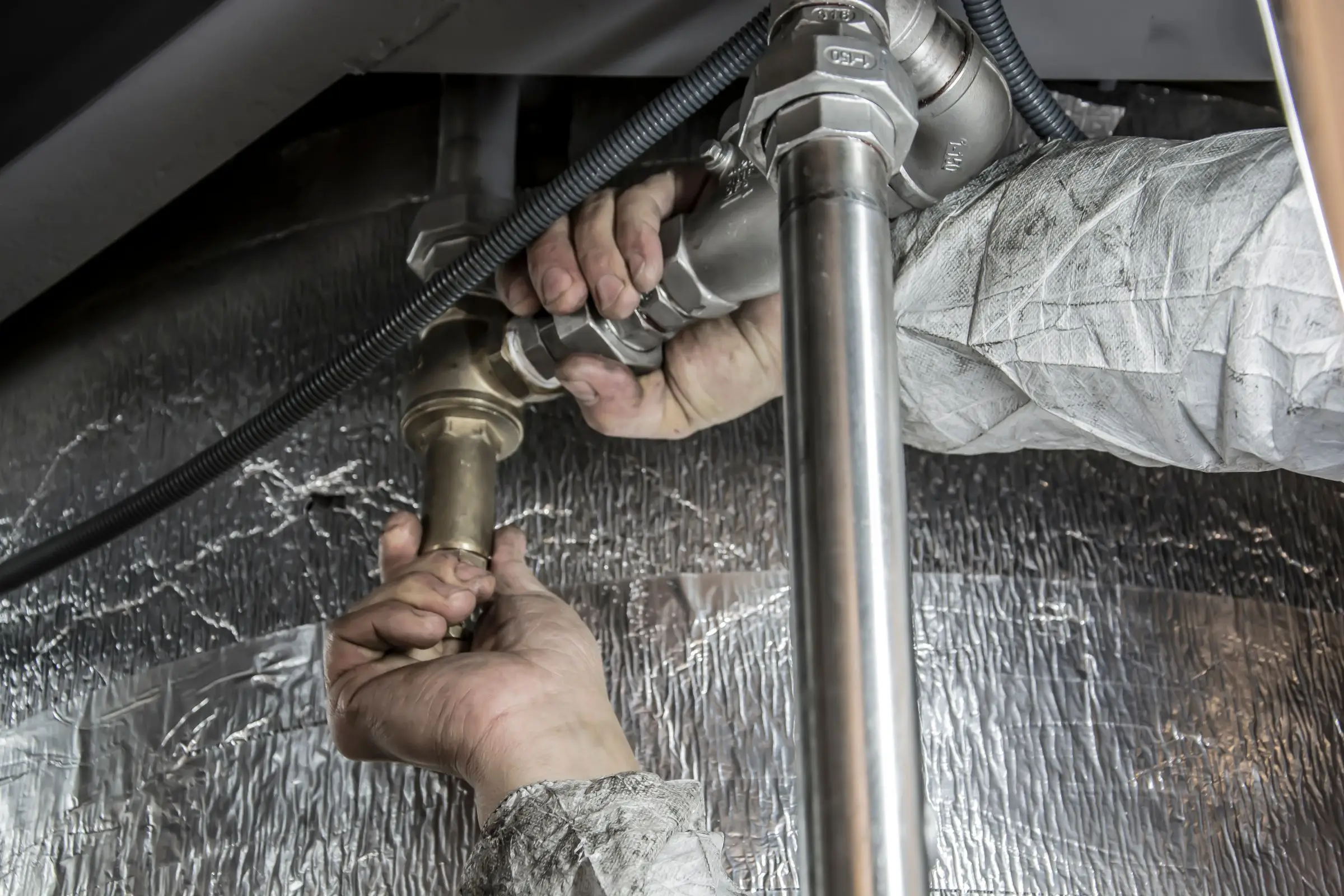
Housecall Pro is the best plumbing field service software for most shops under ten trucks. Jobber is the cheaper, simpler start, and ServiceTitan fits larger shops with a call center.
Housecall Pro is the best field service software for most small plumbing shops.
Flat-rate pricing, GPS and QuickBooks Online sync come on Essentials ($149/mo, 5 users, billed annually), and MAX adds service plans and side-by-side proposals for water heater and sewer jobs. Owner-operators can start cheaper on Jobber; shops past ten trucks with CSRs should price ServiceTitan.
Plumbing field service software has to handle a day that rarely goes to plan: a slab leak at 7 a.m., two water heater installs, a drain that turns into a camera inspection and a sewer quote, and a backflow test due before the water utility's deadline. This page is part of our plumbing software guide and compares five platforms on emergency dispatch, flat-rate pricing, photo and video records and recurring work, with prices checked in October 2026.
Housecall Pro fits the way a residential plumbing shop works. Essentials ($149/mo billed annually, up to 5 users, as of October 2026) adds flat-rate pricing, employee GPS for finding the closest plumber on an emergency, photo reports and QuickBooks Online sync. MAX ($299/mo, 8 users) adds Recurring Service Plans for drain maintenance or annual water heater service and a proposal tool for tank versus tankless options. Consumer financing is on every plan. Housecall Pro sells a prebuilt Profit Rhino plumbing price book as an add-on. It lists no inventory module on its pricing page.
What we like
Flat rate, GPS and photo reports on Essentials
Service plans and proposals on MAX
Watch out for
No inventory module listed on any plan
Users commonly report uneven support response times
Best for owner-operators
Jobber
The easiest all-rounder for small residential crews
4.1out of 5
Jobber is the cheapest credible start for a one- or two-truck plumbing business: Core is $29/mo billed annually for one user. Connect ($149/mo for five users) adds QuickBooks Online sync, checklists and automated reminders, and Grow adds optional line items and job costing. Quoting and follow-up are excellent, which helps on repipes and sewer jobs. The trade-specific gaps are a prebuilt flat-rate price book and inventory: users commonly report Jobber's inventory and job-costing depth is limited. If you run more than three vans, that gap shows up as extra supply-house trips.
What we like
From $29/mo for one user
Strong quotes and automated follow-ups
Watch out for
No prebuilt plumbing flat-rate book
Limited inventory tracking
Best for 10+ trucks
ServiceTitan
Heavy-duty platform for established HVAC, plumbing and electrical shops
3.8out of 5
ServiceTitan is built for plumbing companies with CSRs, a dispatcher and salespeople. Call booking, memberships, pricebook-driven estimates, truck inventory replenishment and job costing all live in one system. That depth pays off at ten-plus trucks, where a CSR team books from scripts and a sales manager reviews unsold sewer and repipe estimates every week. For a four-truck shop it's usually more system than anyone has time to run. Pricing is quote only; third-party estimates put it around $245 to $500 per technician per month plus implementation (not published by the vendor), and owners commonly report a steep learning curve.
What we like
Call booking, memberships and truck inventory in one system
Deep reporting for multi-truck shops
Watch out for
Quote only, with implementation in the thousands reported
Best for emergency calls
Workiz
Built-in phones and call tracking for on-demand service work
3.8out of 5
Workiz suits plumbing shops that live on emergency and drain calls from ads. Its phone system tracks calls by source and ties them to jobs, and inventory and job costing are included, which most lighter tools lack. Pricing went quote only in 2026; a third-party record shows the last published list price was $275/mo for five users on Standard (April 2026). Phone, answering and marketing tools cost extra, and users mention occasional app sync glitches. It's lighter on service plans than Housecall Pro.
What we like
Call tracking tied to jobs and lead sources
Inventory and job costing included
Watch out for
Quote-only pricing as of October 2026
Phone and answering tools cost extra
Best for QuickBooks Desktop
FieldEdge
Long-time HVAC and plumbing favorite with deep QuickBooks ties
3.4out of 5
FieldEdge is built for HVAC, plumbing and electrical shops, with a flat-rate pricebook, service agreements and a QuickBooks connection covering Online and Desktop that the vendor describes as real time. Plans include two, four or six mobile app licenses and an onboarding specialist. Pricing is quote only; third-party estimates put it around $100 to $150 per technician per month (not published by the vendor). There's no free trial, and users commonly describe the interface as dated. It's a reasonable fit for a commercial-leaning plumbing shop whose bookkeeper won't leave QuickBooks Desktop.
What we like
Flat-rate pricebook and service agreements
QuickBooks Online and Desktop connection
Watch out for
No free trial and no published pricing
What plumbing shops need from field service software
Plumbing has more variety per day than most trades. A good platform has to keep up with all of it:
Emergency dispatch. GPS to find the closest plumber, a board that shows who can break off a job, and an after-hours rate that applies without anyone thinking about it.
Flat-rate pricing. Fixed prices for the common work: toilet rebuilds, faucet swaps, disposal installs, water heater replacements.
Photos and video on the job. Camera inspection footage, the failed tank and the corroded supply line protect you on warranty questions and sell the next job.
Install jobs with permits. Water heaters, repipes and sewer replacements may need permits and inspections depending on your area, so the job needs a place to track them.
Recurring work. Annual backflow tests, drain maintenance for restaurants and water heater flushes should schedule themselves.
Parts on the truck. Knowing what's on each van saves a supply-house run in the middle of the day.
Commercial work adds its own layer. A restaurant with a grease interceptor, a property manager with 40 units and a school district with backflow devices at every building all want scheduled service, PO numbers on invoices and records they can hand an inspector.
The hardest test is the job that changes halfway through. A plumber goes out for a slow drain, runs the camera and finds a bellied cast iron line. Now the job needs the footage saved, a sewer replacement quote with options and financing, a permit check and maybe a second crew booked for next week. In good software that all happens from the same job record on the plumber's phone. In weaker software it becomes a note, a photo in someone's camera roll and a callback the office has to remember. When you trial a platform, walk through exactly that scenario.
How the picks compare
Housecall Pro covers the most plumbing-specific ground at a published price, and its 14-day trial lets you run a real week before paying. Jobber is cheaper and better at quote follow-up, but you'll build your own price book and live with limited inventory. ServiceTitan is the full system for big shops, Workiz suits emergency and drain work from ads, and FieldEdge fits shops tied to QuickBooks Desktop.
Run an emergency in the trial. Book a call, find the closest plumber, dispatch and text the customer. Time it.
Ask what the price book ships with. Empty or prebuilt, and what the prebuilt plumbing book costs.
Test video uploads from the field on a slow connection.
Build a backflow test form and attach it to a recurring job.
Count users, including office staff and apprentices.
What it costs
Prices are as of October 2026, billed annually.
Shop size
Jobber
Housecall Pro
ServiceTitan
1 user
Core $29/mo
Basic $59/mo
Rarely sold at this size
5 users
Connect $149/mo
Essentials $149/mo
Third-party est. $1,225 to $2,500/mo
15 users
Grow $399/mo
MAX with 7 extra users, about $544/mo
Third-party est. $3,675 to $7,500/mo
ServiceTitan figures multiply a third-party range of $245 to $500 per tech per month, not published by the vendor. Workiz and FieldEdge are quote only. Card fees run 2.9% + 30¢ on Jobber and from 2.59% on Housecall Pro, with ACH at 1% on both.
A realistic budget for a five-truck residential shop on Housecall Pro looks like this: Essentials at $149/mo if you don't sell service plans, MAX at $299/mo if you do, plus the Profit Rhino price book add-on if you don't want to build pricing yourself, plus card fees. The card fees will be the biggest line. Steering water heater and repipe invoices to ACH is the easiest way to keep that number down.
What is the best field service software for a small plumbing company?
For most shops with two to ten trucks, Housecall Pro: flat rate, GPS and QuickBooks sync on Essentials at $149/mo billed annually, with service plans and proposals on MAX. A solo plumber watching costs can start on Jobber Core at $29/mo. ServiceTitan makes sense once you have CSRs and ten or more trucks.
Can plumbing software track backflow testing?
Partly. Most platforms can schedule annual backflow tests as recurring jobs and store the test results as a form or attachment. Submitting results to the water purveyor usually happens outside the platform, through the utility's own portal or forms, and requirements vary by jurisdiction. Ask each vendor whether you can build a custom test report form and attach it to the job.
Does plumbing field service software store camera inspection video?
Most store photos on the job, and many accept video or file attachments, but limits vary by plan. Jobber's Plus plan advertises unlimited photo and video storage. If you run a lot of sewer camera work, check upload size limits and whether the customer can view the footage from their quote link.
How should plumbing software handle after-hours rates?
Set up separate price book items or a surcharge line for after-hours and weekend calls, so the plumber doesn't have to remember the rate at 2 a.m. Make sure the customer sees the after-hours charge before you dispatch, ideally in the booking confirmation text. Every platform here supports custom price items; flat-rate tools make it easier to keep consistent.