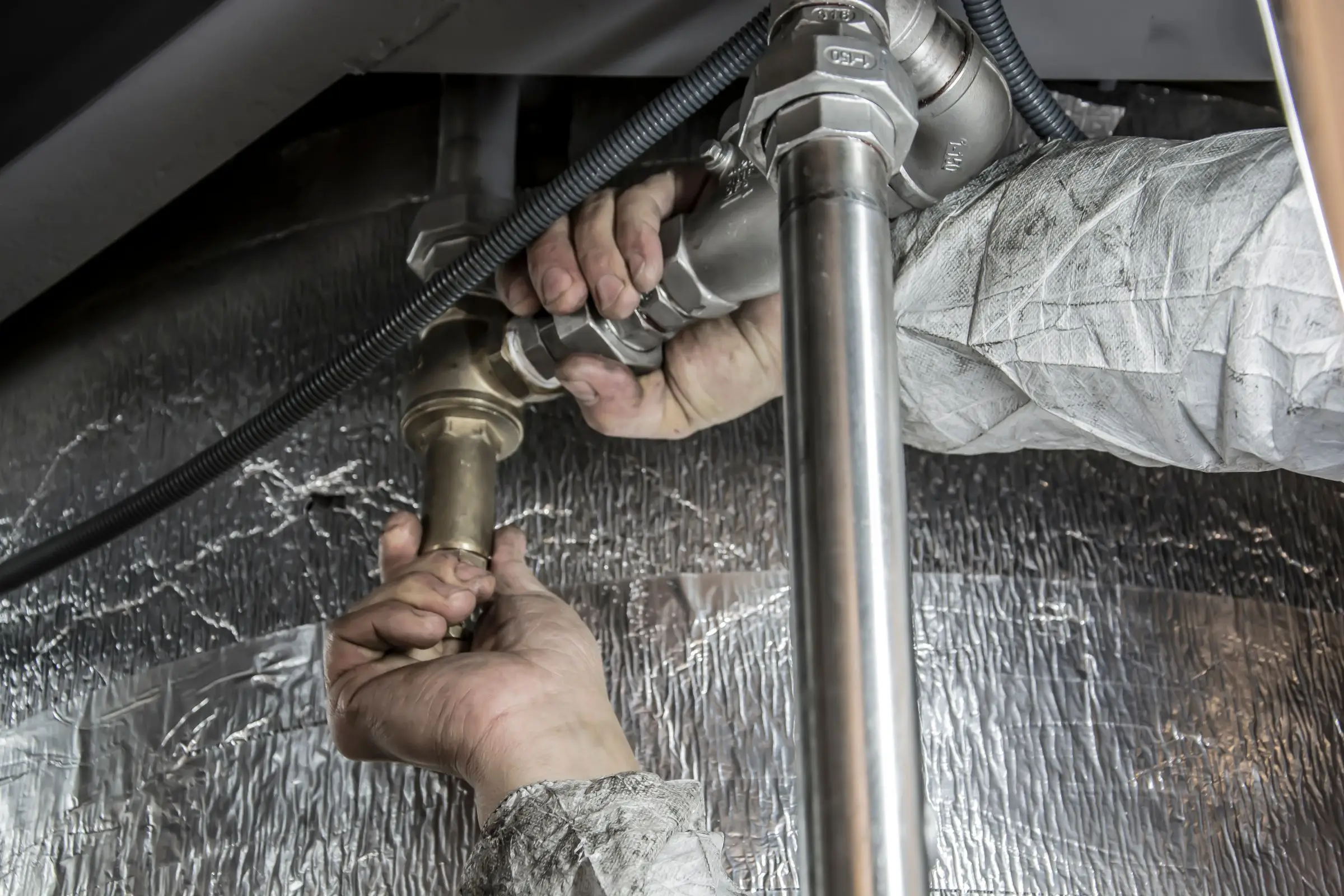
What plumbing shops need from estimating software
Most plumbing shops write two kinds of estimates, and the tools for each are different enough that it helps to split them.
Service and replacement quotes
This is the daily work: water heaters, toilets, faucets, disposals, sewer spot repairs, drain clearing, repipes. The plumber is on site and the customer wants a price now. What matters:
- A flat-rate price book so common tasks have fixed prices that include labor, parts and margin.
- Options side by side, like tank versus tankless or spot repair versus full sewer line replacement, so the customer chooses instead of shopping you.
- Add-ons the customer can tick, such as an expansion tank, a new shutoff or a pan and drain.
- Financing on the bigger jobs, with a monthly payment shown next to each option.
- Photos and camera footage attached to the quote. A sewer replacement sells itself when the homeowner sees the root intrusion.
- E-signature and deposit from the same link.
Plan takeoffs for new construction and commercial
Bidding from drawings is a different trade skill. The estimator works from a plan set and a spec book and needs to count fixtures, measure every run by size and material, add fittings, hangers and sleeves, and apply labor by phase: underground, rough-in, top-out and trim. A good takeoff tool:
- Loads PDF plan sets and holds scale across sheets
- Counts fixtures and fittings quickly, ideally with automatic counting
- Measures runs by pipe size and material (PVC, cast iron, copper, PEX)
- Uses assemblies, so one click on a lavatory adds the fixture, supply stops, P-trap and labor
- Produces a bid with exclusions and alternates
A field service platform does none of that. A takeoff tool doesn't dispatch plumbers or take card payments. Shops that do both usually run one of each.
How the picks compare
For service plumbers, Housecall Pro is the most complete. Flat rate, options, financing and a prebuilt plumbing price book add-on cover nearly every residential quote. Jobber is the cheaper option if your bigger problem is following up on quotes rather than standardizing prices. ServiceTitan is the strongest for larger residential shops with salespeople, and Workiz suits drain and emergency work.
For plan bids, PlanSwift is the more general tool: it works for many trades, and you set up your own plumbing assemblies. Trimble's MEP tools are built for plumbing and piping specifically, with a manufacturer item catalog and automatic fittings, which matters more as bids get bigger and specs get stricter. A residential new-construction plumber bidding tract homes may be fine on PlanSwift. A shop bidding commercial work against mechanical contractors should look hard at Trimble.
Remodels sit in between. A bathroom gut or a kitchen relocation is walked in person like a service call, but it has enough pieces (demo, rough-in, inspection, trim, maybe a slab cut) that a single flat-rate line doesn't fit. Most small shops quote these in the field service tool as a multi-line estimate built from price book items, then use job costing to check the result afterward. If your remodel quotes keep missing by the same amount, check the labor hours in the price book first.
For other trades, our guide to estimating software for contractors covers takeoff and quoting tools across every trade we review.
What to look for before you sign
- Quote a real job in the trial. Use last week's water heater or a plan set you bid last month and compare the result with what you actually sent.
- Check how the price book updates. Supply house prices move often. Ask whether you can import a price file or bulk-update markups.
- Ask what the price book ships with. Empty means weeks of setup. A prebuilt plumbing book costs extra but saves those evenings.
- For takeoff tools, test your own plans. Load a real PDF set, set scale and count a floor of fixtures. Speed on your drawings is what matters.
- Check assemblies. You want one click to add a fixture with its supplies, trap and labor.
- Confirm the hand-off. If you win a bid, how do quantities and the schedule of values move into the system that runs the job and bills it?
- Check computers. Takeoff software can be Windows-only. Find out before you buy for a Mac office.
What it costs
Prices are as of October 2026, billed annually. Service quoting comes inside a field service plan; takeoff is a separate seat for the person who bids, priced on the vendor's site or by quote.
| Shop size |
Housecall Pro |
Jobber |
Takeoff tool |
| 1 user |
Essentials $149/mo (flat rate) or MAX $299/mo (proposals) |
Grow $149/mo |
PlanSwift or Trimble, one seat, see vendor |
| 5 users |
Essentials $149/mo or MAX $299/mo |
Grow $229/mo |
Usually one estimator seat |
| 15 users |
MAX with 7 extra users, about $544/mo |
Grow $399/mo |
One or two estimator seats |
Housecall Pro Basic ($59/mo, one user) includes a price book and estimates, but flat-rate pricing starts on Essentials. ServiceTitan is quote only, with third-party estimates of $245 to $500 per tech per month (not published by the vendor). Workiz is quote only.
Count the add-ons too. A prebuilt plumbing price book, financing fees on big jobs and a takeoff seat each add to the monthly number. Get the takeoff price in writing, including whether it's a subscription or a license with paid annual updates.