Skip to content
BlueCollarStacks

Best Handyman Invoicing Software

Jobber is the best invoicing software for most handyman businesses because it turns a finished visit into a paid invoice before you leave. Joist is the cheapest good option for a solo handyman.

By BlueCollarStacks EditorialUpdated

We may earn a commission from links on this page. How we make money

The short answer

Our pick

Jobber is the best handyman invoicing software for most businesses.

Invoices build from the visit, clients can pay on your phone with Tap to Pay or later by card or ACH, and follow-ups chase unpaid bills on Connect. Solo handymen watching every dollar should look at Joist Pro, and shops that only need invoices plus books can start with QuickBooks Online.

Jobber logo

Jobber

Small residential crews

From $29/mo billed annually

14-day free trial · checked Oct 18, 2026

Handyman invoices are small, frequent and best collected before you pull out of the driveway. A $240 repair paid on the spot is done. The same invoice emailed that night is a reminder you'll send twice and a payment that lands in two weeks. Invoicing software for a handyman should build the bill from the job, take a card or bank payment on your phone, and send the record to your books without retyping. This page is part of our guide to the best handyman software.

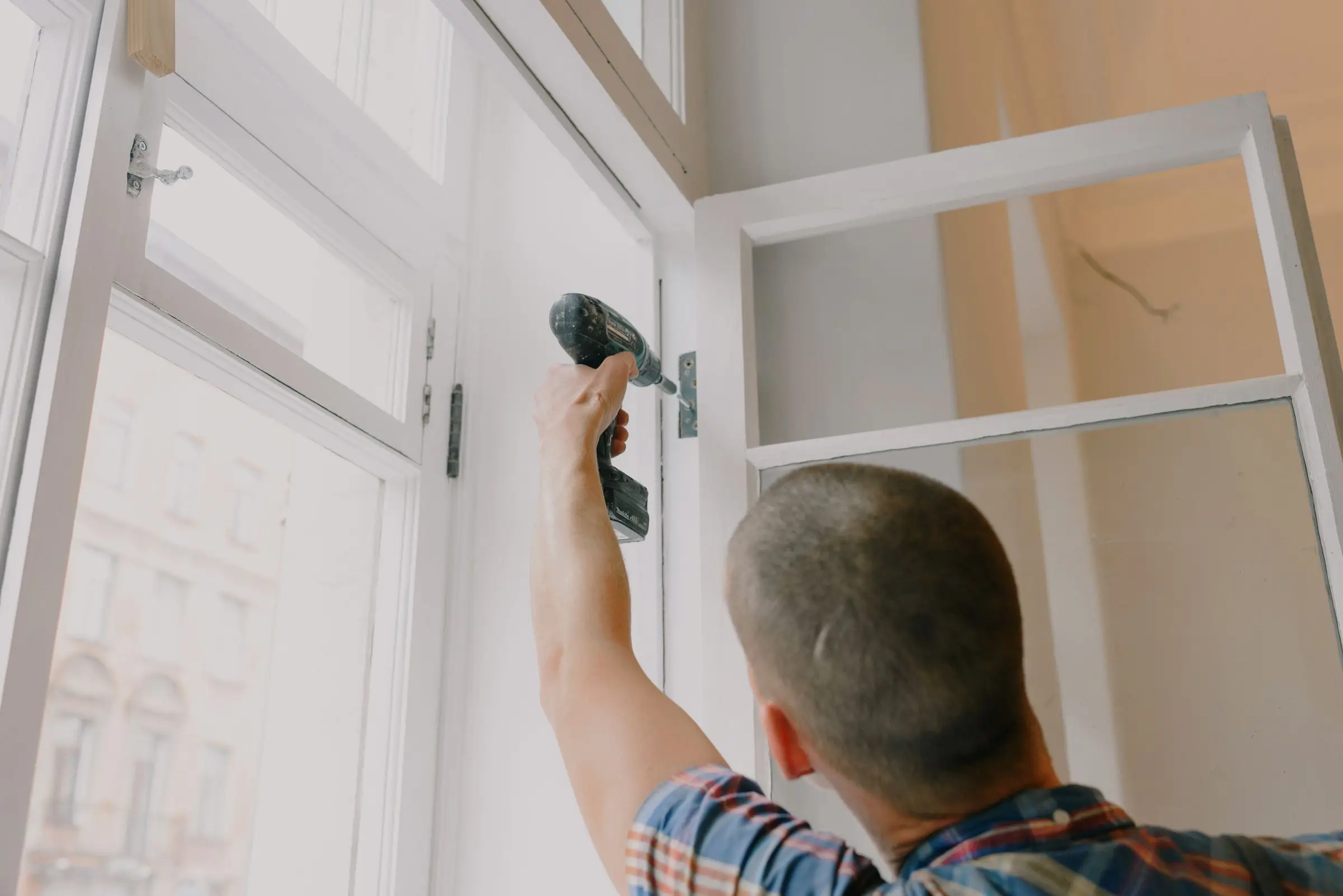
Handyman using a cordless drill to fasten a hinge while repairing a tall window frame
Photo: Ksenia Chernaya / Pexels

Our picks at a glance

Ranked by fit for this buyer. Prices from vendor pricing pages, checked Oct 18, 2026.

  1. Jobber logo

    1.JobberTop pick

    Best overall

    From $29/mo

    billed annually

    4.1out of 5
  2. Joist logo

    2.Joist

    Best budget pick

    From $8.34/mo

    billed annually

    3.8out of 5
  3. Housecall Pro logo

    3.Housecall Pro

    Lowest card rate

    From $59/mo

    billed annually

    4.1out of 5
  4. QuickBooks Online logo

    4.QuickBooks Online

    Best invoices-plus-books

    From $38/mo

    billed monthly

    4.5out of 5
  5. Workiz logo

    5.Workiz

    Best for call-in repairs

    Quote only

    price on request

    3.8out of 5
  6. FieldPulse logo

    6.FieldPulse

    Best for Xero users

    Quote only

    price on request

    3.9out of 5

Our picks, in detail

Jobber logo

Our pickBest overall

Jobber

The easiest all-rounder for small residential crews

4.1out of 5

Jobber turns a completed visit into an invoice with the line items already on it, so the bill is ready when the work is. Clients can pay on the spot with Tap to Pay on your phone (2.7% + 30¢), by card online (2.9% + 30¢) or by ACH (1%), with instant payouts available for another 1%. Core is $29/mo billed annually for 1 user. Connect ($99/mo for 1 user or $149/mo for 5, annual, as of October 2026) adds automatic invoice follow-ups, QuickBooks Online sync and time and expense tracking, which is the plan most growing handyman shops end up on.

What we like

  • Invoice builds itself from the finished visit
  • Tap to Pay on your phone in the driveway
  • ACH at 1% for larger repairs

Watch out for

  • Auto follow-ups and QuickBooks sync start on Connect
  • Costs rise quickly with users and add-ons
Joist logo

Best budget pick

Joist

Simple estimates and invoices from your phone

3.8out of 5

Joist is the cheapest way to send clean, branded invoices from a phone. Pro ($14.17/mo billed annually or $17/mo monthly, as of October 2026) gives unlimited estimates and invoices with your logo, line items and photos, and converts an estimate into an invoice in one step. Online payments are on every plan, at standard processing rates Joist doesn't list on its pricing page. Basics ($8.34/mo annual) caps you at 5 documents a month, too few for most handymen. Scheduling and team tools are thin below the Run plan.

What we like

  • Unlimited invoices on Pro for under $20/mo
  • Estimate converts straight to an invoice

Watch out for

  • Basics plan limited to 5 documents a month
  • Processing rates not listed on the pricing page
Housecall Pro logo

Lowest card rate

Housecall Pro

Strong marketing tools and a fast mobile app

4.1out of 5

Housecall Pro's card processing starts at 2.59%, the lowest published card rate among these picks, with ACH at 1%. Basic is $59/mo billed annually for 1 user and includes payments, consumer financing and a price book. Essentials ($149/mo, up to 5 users, as of October 2026) adds QuickBooks Online sync. Financing helps on larger handyman jobs like a deck rebuild. For a solo handyman, Basic costs about twice Jobber Core, so the lower card rate only pays back at higher volume.

What we like

  • Card rates from 2.59%
  • Consumer financing on every plan

Watch out for

  • QuickBooks sync starts on Essentials
  • Higher entry price than Jobber or Joist
QuickBooks Online logo

Best invoices-plus-books

QuickBooks Online

The books your accountant already knows

4.5out of 5

If you mostly need invoices and clean books, QuickBooks Online Simple Start ($38/mo for 1 user, as of October 2026) sends invoices, accepts online payments and keeps your income and expenses together for tax time. There's no scheduling or job record, so the invoice doesn't build from the job; you type it. That's fine at a few jobs a week and painful at five a day. QuickBooks is also the system most field apps sync to, so starting here makes a later switch easier.

What we like

  • Invoices and bookkeeping in one place
  • Field apps sync to it if you add one later

Watch out for

  • No link between jobs and invoices
  • Owners commonly report repeated price increases
Workiz logo

Best for call-in repairs

Workiz

Built-in phones and call tracking for on-demand service work

3.8out of 5

Workiz handles invoicing for phone-booked service work well, and its QuickBooks Online add-on can sync invoices automatically when they're paid in full and push all payments over. Clients and items sync both ways. It's priced for teams rather than solo handymen; Workiz has been quote only since 2026, and third-party records of its last published prices (April 2026) showed Standard at $275/mo for 5 users, which is not a current vendor price. A busy multi-tech handyman office that takes most work by phone will get the most from it.

What we like

  • Auto-sync paid invoices to QuickBooks Online
  • Calls, jobs and invoices linked

Watch out for

  • Quote-only pricing
  • Too much for a one-person shop
FieldPulse logo

Best for Xero users

FieldPulse

Flexible job management with solid estimating

3.9out of 5

FieldPulse's two-way Xero sync covers customers, line items, invoices and payments, so payment status stays matched between the field app and your books. That suits a handyman company with several techs and a bookkeeper on Xero. It also connects to QuickBooks. It's designed for HVAC, plumbing and electrical, and pricing is quote only; third-party estimates put it around $30 to $150 per user per month (not published by the vendor). For a solo or two-person shop, Jobber or Joist will cost less and take an afternoon to set up instead of a sales cycle.

What we like

  • Two-way Xero sync
  • Inventory for stocked parts

Watch out for

  • No published pricing
  • More system than most handymen need

What handyman shops need from invoicing software

Get paid before you leave. Handyman tickets are small enough that clients will pay on the spot if you make it easy, and that's the cheapest collection you'll ever do. Tap to Pay on your phone, a payment link by text, or a card on file for repeat clients.

The invoice should come from the job. If you have to rebuild the list of tasks at night from memory, you'll forget the second towel bar and the extra trip to the hardware store. The best apps carry every task, material and note from the visit straight onto the invoice.

Itemize by task. A client who sees "Repairs: $380" calls to ask what that covered. A client who sees each task, the materials and the time understands the bill and is more likely to book you again.

Tips and change of plans happen on the spot. A happy client may want to add a tip, or ask you to fix one more thing while you're there. Your invoice should let you add a line in the driveway and still collect in one payment, without voiding and resending.

Records matter at tax time. Every invoice, payment and materials receipt should end up in your accounting system without a shoebox. If your invoicing app syncs to QuickBooks or Xero, check which plan includes the sync and whether payments and fees come across, not just the invoice.

Repeat clients and landlords need a paper trail. Property managers often need an invoice per unit with photos before they can pay, and homeowners who call every few months like seeing their history. Keep every invoice tied to the client and address.

How the picks compare

Jobber gives the best path from finished job to paid invoice, and the jump to Connect adds follow-ups and QuickBooks sync when you need them. Joist is the budget tool: great invoices for the price, but little else until you pay for Run.

Housecall Pro wins on card rate, which matters only once you're processing a lot of volume. QuickBooks Online alone works for a part-time or very low-volume handyman. Workiz and FieldPulse suit bigger shops with phones or Xero in the middle of their workflow. For invoicing tools in other trades, see our roundup of invoicing software for contractors.

Here's how the fees play out. A handyman billing $12,000 a month, all by card, pays about $348 in percentage fees on Jobber's 2.9% rate and about $311 on Housecall Pro's 2.59%, before per-transaction charges. Move half of that to ACH at 1% and the total drops to roughly $234 on Jobber. Steering bigger jobs to bank payment beats shopping for a lower card rate.

What to look for before you sign

  • Invoice from the visit. Tasks, materials and photos carried over automatically.
  • Tap to Pay or card reader. Collect in the driveway.
  • ACH option. For jobs over a few hundred dollars.
  • Automatic reminders. For the invoices that don't get paid on site.
  • Per-line tax settings. Materials and labor may be taxed differently.
  • Accounting sync. Know which plan includes QuickBooks or Xero sync.

What it costs

Prices as of October 2026, before processing.

Company size Jobber (annual) Joist (annual) Housecall Pro (annual)
Solo handyman Core $29/mo Pro $14.17/mo Basic $59/mo
5 people Connect, 5 users: $149/mo Run $58.33/mo (intro), light on team tools Essentials $149/mo
15 people Connect, 15 users: $299/mo Not built for teams MAX $299/mo + 7 users at $35 = $544/mo

If you need QuickBooks too, add Simple Start at $38/mo for a solo shop or Plus at $140/mo once you want job profitability across several workers.

Related guides

Questions owners ask

What should a handyman invoice include?

Your business name and contact details, the client and job address, the date, an itemized list of each task with its price, materials, any trip charge or minimum, tax where it applies, the total, and how to pay. Add photos of finished work for anything a landlord or property manager will review.

How do handymen take card payments on site?

Most field apps now support tapping a card on your phone. Jobber's Tap to Pay costs 2.7% + 30¢ per payment as of October 2026, slightly less than its 2.9% + 30¢ online card rate. On a $240 repair, that's about $6.78. Pushing large invoices to ACH at 1% saves more.

Should I charge for materials separately?

Yes, as their own line items. It makes your labor price clear, shows the client what they paid for, and lets you apply a consistent markup. Keep receipts attached to the job so you can back up the number if a client asks.

Do handymen charge sales tax on invoices?

It depends on your state and the type of work. Some states tax materials only, some tax repair labor, and some treat certain improvements differently. Rules vary by state, so check with your state's revenue department or an accountant, then set tax per line item in your software.

Is Joist or Jobber better for handyman invoicing?

Joist is cheaper and simpler for a solo handyman who mostly sends estimates and invoices. Jobber is better once you want scheduling, automatic follow-ups and QuickBooks sync in the same app, or once you add a helper. Many handymen start on Joist and move to Jobber when the calendar gets busy.