Skip to content
BlueCollarStacks

Best Fence Estimating Software

Very few estimators are built for fence. FenceCloud is the main one. Most small fence crews get by on Jobber or Joist plus a solid per-foot price list, and that works if you do the math up front.

By BlueCollarStacks EditorialUpdated

We may earn a commission from links on this page. How we make money

The short answer

FenceCloud is the only estimator here built around fence materials.

It builds material lists from preloaded supplier catalogs by fence type, which is the part general tools can't do. If you'd rather not pay for a fence-only system, Jobber with a well-built per-foot price list handles quoting, scheduling and invoicing for a small residential crew.

Here's the honest state of things: almost no estimating software is built for fence contractors. Most of what gets sold as fence estimating software is a general quoting app with a fence picture on the landing page. That's not a dealbreaker. A fence quote is linear feet, posts, gates and concrete, and you can build that into almost any tool once you set up your price list right. Below are the one fence-specific option we'd shortlist, the general tools that fence crews adapt, and the math that makes them work. For the rest of the systems a fence company runs on, see our guide to fence company estimating software.

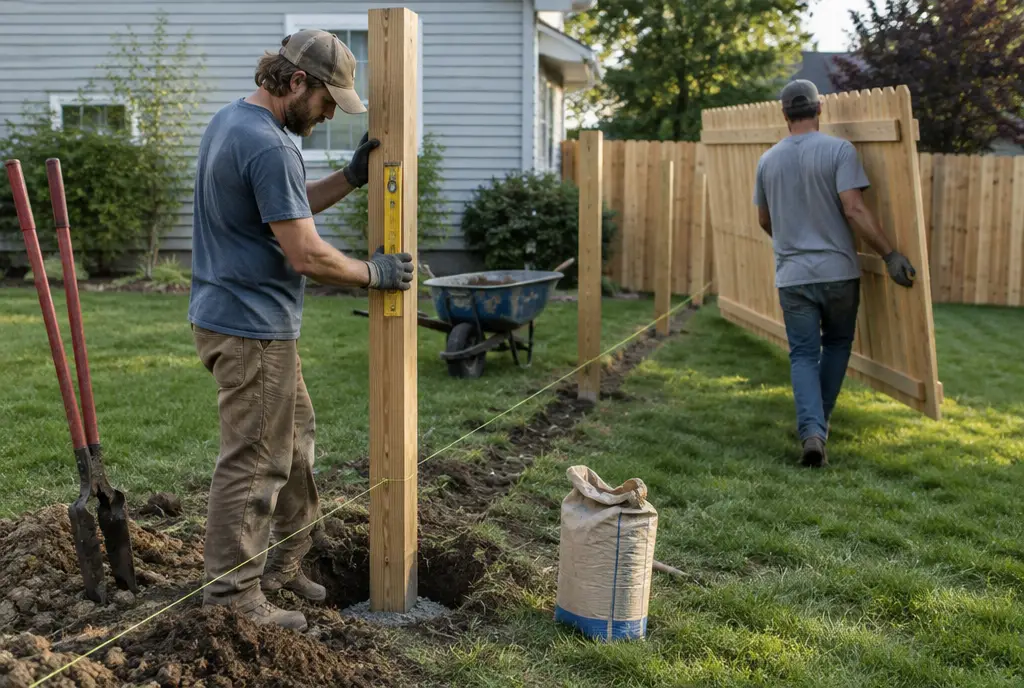
Two installers set a cedar fence post with a level and carry a privacy panel across a suburban backyard
Illustration generated for BlueCollarStacks.

Our picks at a glance

Ranked by fit for this buyer. Prices from vendor pricing pages, checked Oct 18, 2026.

  1. 1.FenceCloudTop pick

    Best fence-specific estimator

    See vendor site

    per vendor

    Not scored
  2. Jobber logo

    2.Jobber

    Best all-around for fence crews

    From $29/mo

    billed annually

    4.1out of 5
  3. 3.ArcSite

    Best for drawing the layout

    See vendor site

    per vendor

    Not scored
  4. Joist logo

    4.Joist

    Cheapest for solo installers

    From $8.34/mo

    billed annually

    3.8out of 5
  5. Contractor Foreman logo

    5.Contractor Foreman

    Best for commercial fence work

    From $49/mo

    billed annually

    4.1out of 5

Our picks, in detail

Our pickBest fence-specific estimator

FenceCloud

FenceCloud is one of the few products actually built for fence companies. The company says it does material-based estimating for chain link, vinyl, ornamental and wood, using preloaded supplier catalogs and pricing tools, with several site-plan options for laying out runs and gates. That matters because the hard part of a fence quote isn't the total, it's the material list: post counts, rails, pickets or panels, caps, hinges, latches and concrete, broken out by style. FenceCloud publishes its plan pricing on its own site; check it there, because it sits well above a general quoting app. It is a niche product, so ask how supplier catalogs get updated and whether your local distributor is included.

What we like

  • Built around fence styles and material kits
  • Preloaded supplier catalogs cut manual price entry
  • Site-plan layout for runs and gates

Watch out for

  • Costs well more than general quoting apps
  • Fence-only, so it won't run the rest of a mixed exterior business
Jobber logo

Best all-around for fence crews

Jobber

The easiest all-rounder for small residential crews

4.1out of 5

Jobber has no fence logic at all, and it still works well for a lot of small fence companies because most of them sell by the installed foot. You build line items like '6 ft cedar privacy, per linear foot, installed' and 'single walk gate, 4 ft, with hardware', then a quote is mostly quantities. Optional line items let you show the upgrade to metal posts or a cap-and-trim finish on the same quote. Scheduling, invoicing, deposits and the client hub come with it. Core is $29/mo billed annually for one user and five users on Connect are $149/mo annual, as of October 2026. The catch: the material math happens in your head or a spreadsheet before you price.

What we like

  • Per-foot line items keep quotes fast
  • Optional line items for upgrades on one quote
  • Scheduling and invoicing included

Watch out for

  • No material takeoff or post-count math
  • Costs climb as you add users and add-ons

Best for drawing the layout

ArcSite

ArcSite is a drawing app for contractors: you sketch the property and fence lines on a tablet, and ArcSite says quantities from the drawing feed straight into an estimate and proposal. For fence, that means the linear feet, corners and gate openings come from the drawing instead of a notepad, and the customer gets a clean site plan with the quote, which HOAs and permit offices often want anyway. It isn't a fence-specific product, so you'll set up your own fence styles and pricing. Pricing is on ArcSite's site. It fits estimators who already sketch every job and want that sketch to do the counting.

What we like

  • Layout drawing doubles as the takeoff
  • Site plan goes out with the proposal
  • Useful for HOA and permit submittals

Watch out for

  • You build every fence style and price yourself
  • Another subscription next to your scheduling tool
Joist logo

Cheapest for solo installers

Joist

Simple estimates and invoices from your phone

3.8out of 5

If you're one person with a truck and an auger, Joist gets a professional quote out from the customer's driveway. Save your per-foot prices and gate prices as items, add photos of the old fence, and send it for online approval and deposit. Basics is $10/mo and Pro is $17/mo, with Elite at $32/mo, as of October 2026. Joist's free plan is gone, but there's a 14-day trial. It has no fence calculations and only basic scheduling, so it's a quoting and invoicing tool, not a way to run a crew.

What we like

  • Lowest cost on this list
  • Fast phone quotes with photos
  • Online approval and payment

Watch out for

  • No material math
  • Thin scheduling and team features
Contractor Foreman logo

Best for commercial fence work

Contractor Foreman

A lot of construction software for not much money

4.1out of 5

Fence companies that bid commercial jobs, with plans, submittals and progress billing, outgrow quoting apps. Contractor Foreman adds bids, takeoff from plans, change orders, daily logs and job costing so you can see whether that 1,400-foot chain-link job made money. Plans run from $49/mo (1 user, annual) to $166/mo for up to 8 users and $221/mo for up to 15, billed annually, as of October 2026, with a 30-day trial. It's built for general contractors, so you'll set up fence items yourself, and residential crews will find it heavier than they need.

What we like

  • Takeoff from plans for commercial bids
  • Job costing shows real margin per job
  • Priced by user cap, not per seat

Watch out for

  • No fence-specific templates
  • Busy interface for a simple residential crew

What fence shops need from estimating software

A fence estimate is a linear-foot problem with a handful of exceptions. The exceptions are where the money goes. Gates cost far more per foot than fence. Corners and ends need heavier terminal posts. Slopes mean stepping or racking panels. Rocky ground means a rock auger and a slower day. And every job has a removal question: are you hauling off 140 feet of rotten stockade?

So the software needs four things. It needs per-foot pricing by fence style and height. It needs separate gate items with hardware (hinges, latch, drop rod for doubles). It needs extras you can add in two taps: removal and haul-off per foot, stepping on grade, permit handling, and a note that you'll call 811 for utility locates before digging. And it needs a deposit request, because you're ordering material before you set a post.

The material list is the part general tools skip. A fence-specific estimator calculates it. Everyone else needs a little math.

Adapting a general estimating tool: the linear-foot assembly

Here's how fence owners make Jobber, Joist or a spreadsheet behave like a fence estimator. Build one "assembly" per fence style, then price per foot from it.

Take a hypothetical 150-foot straight run of 6-foot wood privacy:

  • Sections: 150 ÷ 8 ft spacing = 18.75, round up to 19 sections.
  • Posts: 19 sections + 1 = 20 posts. Add one per corner and two per gate opening, upsized at gates.
  • Rails: 3 rails per section for 6-foot privacy = 57 rails.
  • Pickets: 150 ft × 12 in ÷ 5.5 in pickets = about 328, plus 5 to 10% for culls and cuts, call it 350.
  • Concrete: your per-post number (say two 50-lb bags) × 20 posts = 40 bags.
  • Labor: your crew's feet per day for this style, plus a set-up and clean-up charge.

Add material and labor, apply markup, divide by 150, and you have an installed price per foot for that style. Keep gates out of the per-foot number and quote them separately. Rebuild the assembly when supplier prices change, at least every quarter.

How the picks compare

FenceCloud is the only pick that does the assembly above for you. Everything else assumes you did it already. For a fence-only company quoting dozens of residential jobs a week, that automation can be worth the higher price. For a three-person crew that also does decks, Jobber plus a spreadsheet is cheaper and runs the whole day, not just the quote.

ArcSite is the odd one out: it replaces the clipboard sketch, and the drawing becomes your takeoff. Contractor Foreman is for fence companies bidding commercial work from plans. If none of these fit, our broader roundup of estimating software for contractors covers more general tools.

What to look for before you sign

  • Separate gate items with their own hardware, not a per-foot fudge.
  • Per-foot pricing by style and height, editable in seconds when prices move.
  • Deposit collection on approval, since you buy material up front.
  • A site sketch or photo attached to the quote, so the property line is on record.
  • Supplier catalog updates (fence-specific tools): ask how often and which distributors.
  • Line-item export, so your price list isn't trapped if you switch.

What it costs

As of October 2026, billed annually where that's cheaper. Count the people who estimate and run the office; installers often only need a field login, if anything.

Shop size Joist Jobber Contractor Foreman FenceCloud / ArcSite
1 user $14.17/mo (Pro) $29/mo (Core) $49/mo (Basic) See vendor site
5 users Not published per user $149/mo (Connect) $166/mo (Plus) See vendor site
15 users Not published per user $299/mo (Connect) $221/mo (Pro) See vendor site

For most small residential fence crews, the realistic budget is $29 to $149 a month for quoting and scheduling, plus an evening building your per-foot assemblies. That evening is worth more than any feature on this page.
Related guides

Questions owners ask

Is there software made specifically for fence estimating?

A few products exist, and FenceCloud is the best-known. It builds material lists from supplier catalogs by fence type. Most fence companies, though, use a general quoting tool like Jobber or Joist with per-foot pricing, and do the post and material math in a spreadsheet. That approach is cheaper and works fine for residential crews.

How do you calculate posts for a fence estimate?

For each straight run, divide the length by your post spacing (usually 8 feet), round up to get sections, and add one post. Then add posts for every corner and gate opening, and use heavier posts at gates. A straight 150-foot run is 19 sections and 20 posts before any gates.

How many bags of concrete per fence post?

It depends on hole diameter, depth and your frost line, so set your own number by post type. Many residential installers plan around two 50-pound bags for a typical wood line post and more for gate posts. Put it in your estimate as a per-post quantity so it scales with the job instead of being guessed.

Should I price fence by the foot or by materials plus labor?

Most residential fence companies quote an installed price per foot by style, plus gates, removal and extras as separate lines. It's faster and easier for homeowners to compare. Build that per-foot number from a real material and labor breakdown, and re-check it whenever lumber or steel prices move.

Can Jobber or Housecall Pro do fence estimates?

They can produce the quote, deposit request and invoice, but neither calculates posts, rails or concrete. You'd set up per-foot items by fence style and separate gate items, then handle the material math outside the app. For many small residential crews that's enough.